

How to Turn an Estimate Into an Invoice
Turn an estimate into an invoice in Wave, QuickBooks, FreshBooks or Square: get the client’s approval, convert the estimate, check it and send it for payment.
Practical guides for sending invoices and getting paid on time. We walk through setting up invoice templates, adding your business details, accepting card and online payments, and scheduling automatic payment reminders in tools such as FreshBooks, Wave, QuickBooks, Square, Stripe and PayPal. These guides explain how the tools work, not tax or accounting decisions. For those, check official government guidance or talk to a qualified accountant. Start here: our invoice guide.
Turn an estimate into an invoice in Wave, QuickBooks, FreshBooks or Square: get the client’s approval, convert the estimate, check it and send it for payment.

Respond to a chargeback with this checklist: find the dispute in Stripe, Square or PayPal, check the deadline, gather evidence and submit it on time.

Request a deposit on an invoice in Square, FreshBooks, QuickBooks, Wave or Stripe: set the upfront amount, send a payment link and bill the balance later.

Set up recurring invoices for monthly clients in FreshBooks, Wave, QuickBooks or Stripe, with the right schedule, auto-send and automatic payments.

Send invoices with Stripe step by step: add a customer and products, set payment terms and methods, then email the invoice and track payment.

Create an invoice in Wave step by step: add your business details, customer and items, set payment terms, then send it by email or share a link.

Set up automatic payment reminders for overdue invoices in FreshBooks, Wave, QuickBooks and Square, with timing and wording that stay polite.
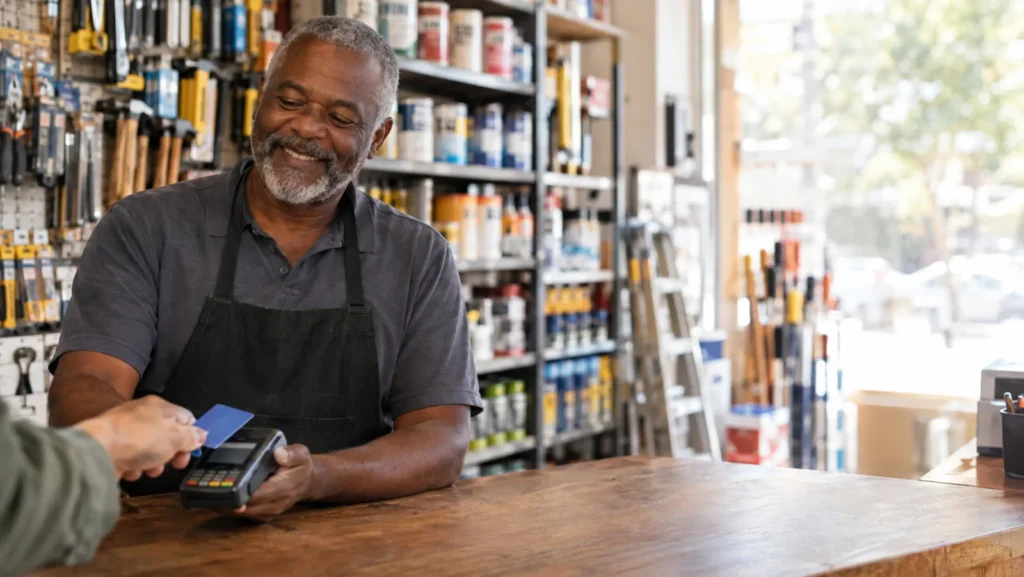
Accept credit card payments in person and online: compare Square, Stripe and PayPal fees, payment links and card readers, and pick the right setup.

FreshBooks vs Wave vs QuickBooks for invoicing: compare plans, online payment fees, reminders and recurring invoices to pick the right tool for you.

Learn what to put on a small business invoice, how to number it, set payment terms and send it from a free tool so clients can pay online.