
An email lands on a Monday morning: a customer has disputed a card payment you took three weeks ago, and the money is already gone from your balance. You still have a chance to get it back, but only if you respond to a chargeback the way your payment provider expects, with the right proof, before a deadline that is often just a few days away.
This checklist covers the process in Stripe, Square and PayPal: where the dispute shows up, how long you have, what to send and what happens next. Menu names come from each provider’s help pages and can change. It explains the process only, not your legal rights.
If you are still choosing a provider, start with our guide on how to accept credit card payments as a small business.
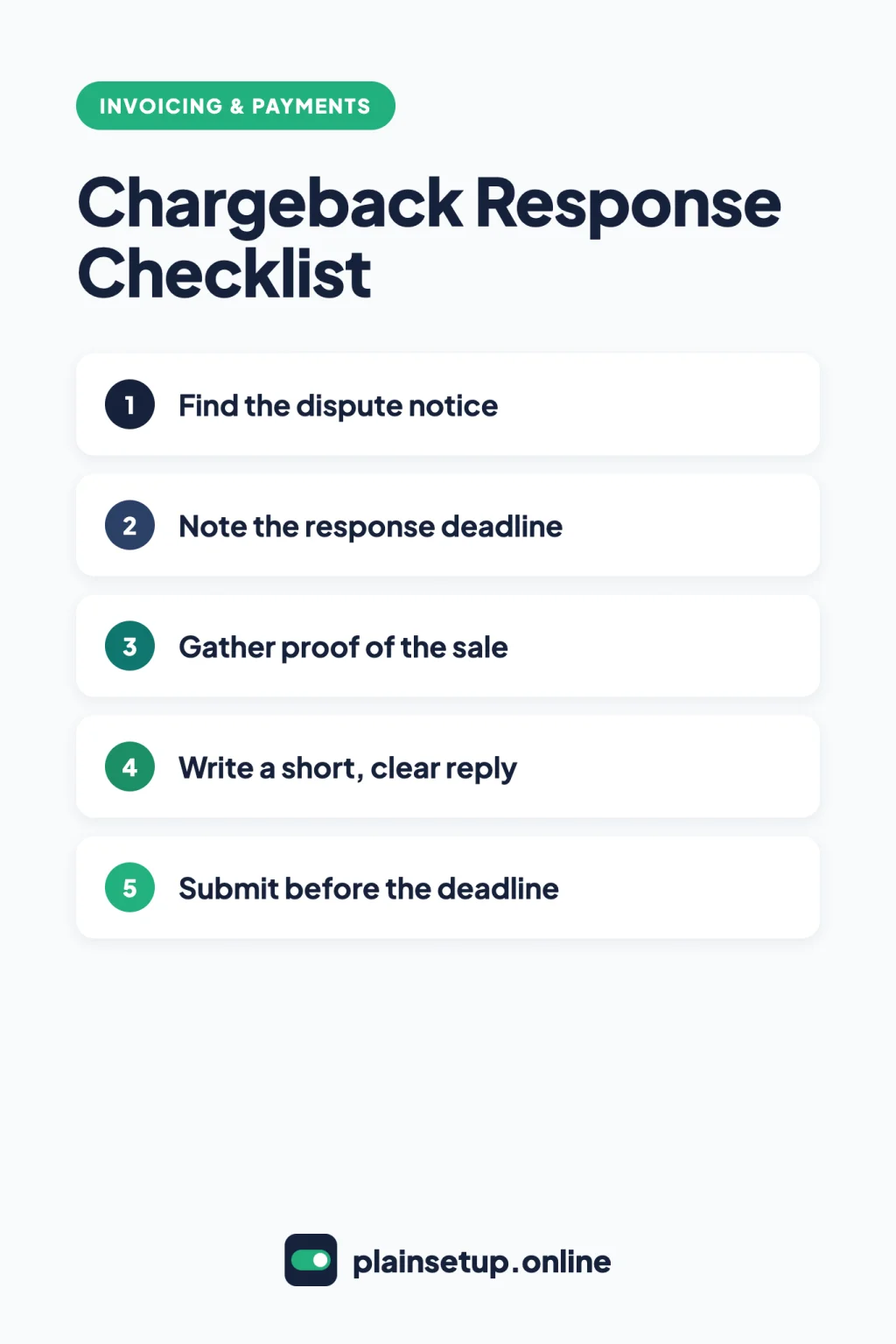
Checklist
- Find the dispute notice in Stripe, Square or PayPal.
- Write down the response deadline the same day.
- Read the reason and the customer’s claim.
- Decide whether to accept or challenge.
- Gather proof of the sale in the accepted file types.
- Write a short, factual reply that matches the reason.
- Submit everything at once, before the deadline, then watch for the decision.
1. Find the dispute notice in your payment tool
A chargeback starts with the customer’s card issuer. Each provider then alerts you and gives you a page to respond from.
| Provider | How you are told | Where to respond |
|---|---|---|
| Stripe | Email, the Dashboard, push notifications | Disputes tab, then the Dispute details page |
| Square | Email, Square Dashboard, in-app notifications | Orders & payments > Disputes, then select the dispute |
| PayPal | A case in the Resolution Center | Resolution Center, select the case, then Respond Now |
Stripe: per Stripe’s guide to responding to disputes, open the Disputes tab and select the payment to see the reason and your options.
Square: Square’s Manage payment disputes article says only team members with the Respond to disputes permission get the alerts. Account owners can turn on text alerts per location under Orders & payments > Disputes > Settings > Notifications.
PayPal: PayPal’s article What is a chargeback explains that a chargeback is not the same as a PayPal claim. The card issuer, not PayPal, decides a chargeback. PayPal may also send a pre-chargeback alert, a High Priority case in the Resolution Center. Refunding within its 20-hour window can avoid the chargeback and its fees.
2. Note the response deadline
If you miss the date, you lose by default.
- Stripe: usually 7 to 21 days, depending on the card network. Stripe’s How to handle disputes page says the Dashboard gives you a timeline for submitting evidence, and taking no action counts as accepting.
- Square: seven days from the first notification email. The form also shows the exact deadline for your documents.
- PayPal: for claims, the seller is asked to respond within 10 days, per PayPal’s page on disputes, claims and chargebacks. The pre-chargeback article mentions a regular ten-day window to respond, and PayPal’s evidence guide says chargeback deadlines are strict and depend on the issuer. Answer as soon as the case appears.
Put the date in your calendar with a reminder two days earlier. Card networks set their own dispute rules, and Stripe’s page on how disputes work explains the general timeline; for questions about your rights, ask your provider’s support team.
3 and 4. Read the claim, then decide how to respond to a chargeback
Read the reason first: a “product not received” claim needs different proof than an “unauthorized” one.
Stripe: Accept dispute or Counter dispute
On the Dispute details page, select Review the claim details to see the bank’s documents, when they are available. If the page lets you email the customer, keep a record of that conversation as evidence. Then choose:
- Accept dispute: tells the issuer you are not contesting the refunded amount. Stripe’s evidence best practices say accepting is not an admission of wrongdoing, but the dispute fee still applies.
- Counter dispute: opens a guided form for your evidence. A second fee applies (see the costs section below).
While a dispute is open, Stripe says you can’t refund outside the dispute process. Even if the customer says they withdrew it, Stripe says to respond with evidence.
Square: answer No or Yes on the form
Square’s form works with questions instead of buttons. To give the money back, select No in the information request form within the seven days. To challenge, select Yes on the first question and answer the rest.
PayPal: Respond Now
Open the case, read the status details and select Respond Now. PayPal lists three choices: provide valid tracking information, provide proof of a refund, or accept liability. You can add other evidence, then select Continue and follow the prompts.
5. Gather proof of the sale
Collect only what answers the reason. Useful files:
- The receipt or invoice, showing date, currency and amount. If you bill with Stripe, our guide to sending invoices with Stripe explains how its invoices and receipts work.
- Proof of delivery with the full address, or proof the service was done, such as an appointment confirmation.
- A signed contract or authorization form.
- The relevant part of your cancellation or refund policy, plus proof the customer saw it before buying.
- Messages with the customer, trimmed to the parts that matter.
- Proof of any partial refund or credit you already gave.
File rules differ by provider:
| Provider | File types | Size limits |
|---|---|---|
| Stripe | PDF, JPEG, PNG | 4.5 MB combined; one file per evidence type |
| Square | HEIC, JPEG, PDF, PNG, TIFF | 5MB and 15 pages per file |
| PayPal | Not stated in the evidence guide | Not stated in the evidence guide |
Square’s guide to preparing dispute documents covers its list. PayPal’s evidence guide for sellers matches evidence to each chargeback reason, such as proof of shipment, proof of refund, or your return policy.
6. Write a short, clear reply
Stripe’s best practices put it plainly: “Writing a long explanation to them isn’t going to make your responses more convincing.” Square asks for information that is factual, clear and concise, and PayPal’s guide says the same. A simple pattern:
- One sentence on what the customer bought, when, and how they paid.
- One or two sentences on why the claim does not match the facts.
- A short list of the attached files and what each one proves.
Use a neutral, professional tone. Put events in date order. Banks won’t follow links, play audio or video, or call you, so everything has to be in the files. Square asks you not to highlight uploaded documents.
7. Submit before the deadline, then wait
You get one try. Stripe’s responding guide says: “You’ve only one opportunity to submit your response.” Square and PayPal give similar warnings.
- Stripe: tick the box confirming the response is final and submit. The status changes to under review, then won or lost. Issuers usually decide in 60 to 75 days, and the whole process can take 2 to 3 months. If the bank gives reasons, find them under Relevant documents > View issuing bank response.
- Square: the bank can take up to 90 days from the start of the dispute. Square emails the result and updates the Disputes section.
- PayPal: PayPal typically takes 30 days to dispute the chargeback, and the card issuer can take up to 75 days to decide.
What disputes cost in each tool
- Stripe (pricing page): dispute received fee of $15.00 for each dispute you receive, and a dispute countered fee of $15.00 for each dispute you respond to manually. You get the countered fee back if you win. Optional Smart Disputes, where Stripe’s AI prepares the evidence, costs 30% of the disputed amount for each dispute you win.
- Square: no fees for dispute management on chargebacks, per its disputes article. If the customer wins, the processing fees are not refunded; if you win, Square releases the funds including those fees.
- PayPal (merchant fees page): a chargeback fee of $20.00 for card payments not made through a buyer’s PayPal account or guest checkout. For payments through a PayPal account or PayPal checkout, a Standard Dispute Fee of $15.00 or a High Volume Dispute Fee of $30.00 may apply. If Seller Protection covers the sale, PayPal says it covers the chargeback amount and waives the fee.
Prices checked in October 2026. Plans and prices change, so confirm on the official pricing page before you buy.
Common mistakes
- Missing the date. No response counts as accepting, or closes the case for the customer.
- Sending your whole terms of service. Send only the clause that matters.
- Pasting links. Banks won’t open them. Attach screenshots or PDFs.
- Proof that doesn’t match the reason. A return policy does not answer “never received.”
Frequently asked questions
How long do I have to respond to a chargeback?
It depends on the provider. Square gives seven days from the first notification email, and Stripe says usually 7 to 21 days depending on the card network. On PayPal, claims ask for a reply within 10 days, and PayPal says chargeback deadlines depend on the issuer, so answer as soon as the case appears.
Is a PayPal dispute the same as a chargeback?
No. A dispute or claim is opened inside PayPal, while a chargeback goes through the buyer’s card issuer, which makes the decision. You answer both in the Resolution Center.
Do I get the dispute fee back if I win?
On Stripe, you get the $15.00 countered fee back if you win, but not the $15.00 received fee. Square charges no dispute management fee and returns the processing fees if you win.
Can I add more evidence after I submit?
Generally no. Stripe says you can’t edit or add files after submitting, Square says you can’t add more information after you send the form, and PayPal advises sending all evidence at the same time.
Sources
- Stripe: Respond to disputes
- Stripe: How disputes work
- Stripe: Dispute evidence best practices
- Stripe: How to handle disputes
- Stripe: Pricing & Fees
- Square: Manage payment disputes
- Square: Prepare documents to challenge disputes
- PayPal: What is a chargeback, and why did I get one?
- PayPal: What Does Dispute Transaction Mean?
- PayPal: Evidence to Provide for Chargebacks: A Guide for Sellers
- PayPal: How do I respond to a pre-chargeback alert?
- PayPal: Merchant and Business Fees
Your Next Step
Today, before any dispute arrives, open the disputes page in your payment tool and check who gets the alerts. Then save your refund policy and a sample receipt in one folder, so you can respond to a chargeback in minutes instead of days. For more help with getting paid, browse our Invoicing & Payments guides.

Fernando Pompeu is a journalist and digital content writer with more than 8 years of experience in media outlets and news portals. He writes to explain things clearly and without jargon. At PlainSetup, he publishes step-by-step guides to the everyday tools small businesses run on, based on each tool’s official documentation and written for owners without an IT team.