
A customer is ready to pay for a $100 job, pulls out a card and asks, “Can I just tap?” You only take bank transfers, so the sale stalls. If you want to accept credit card payments, you need three things: a payment provider, a bank account, and a phone or card reader.
Square, Stripe and PayPal cover the usual cases: a counter reader, tap to pay, payment links, invoices and your website. This guide compares their official fees, then walks you through setup.
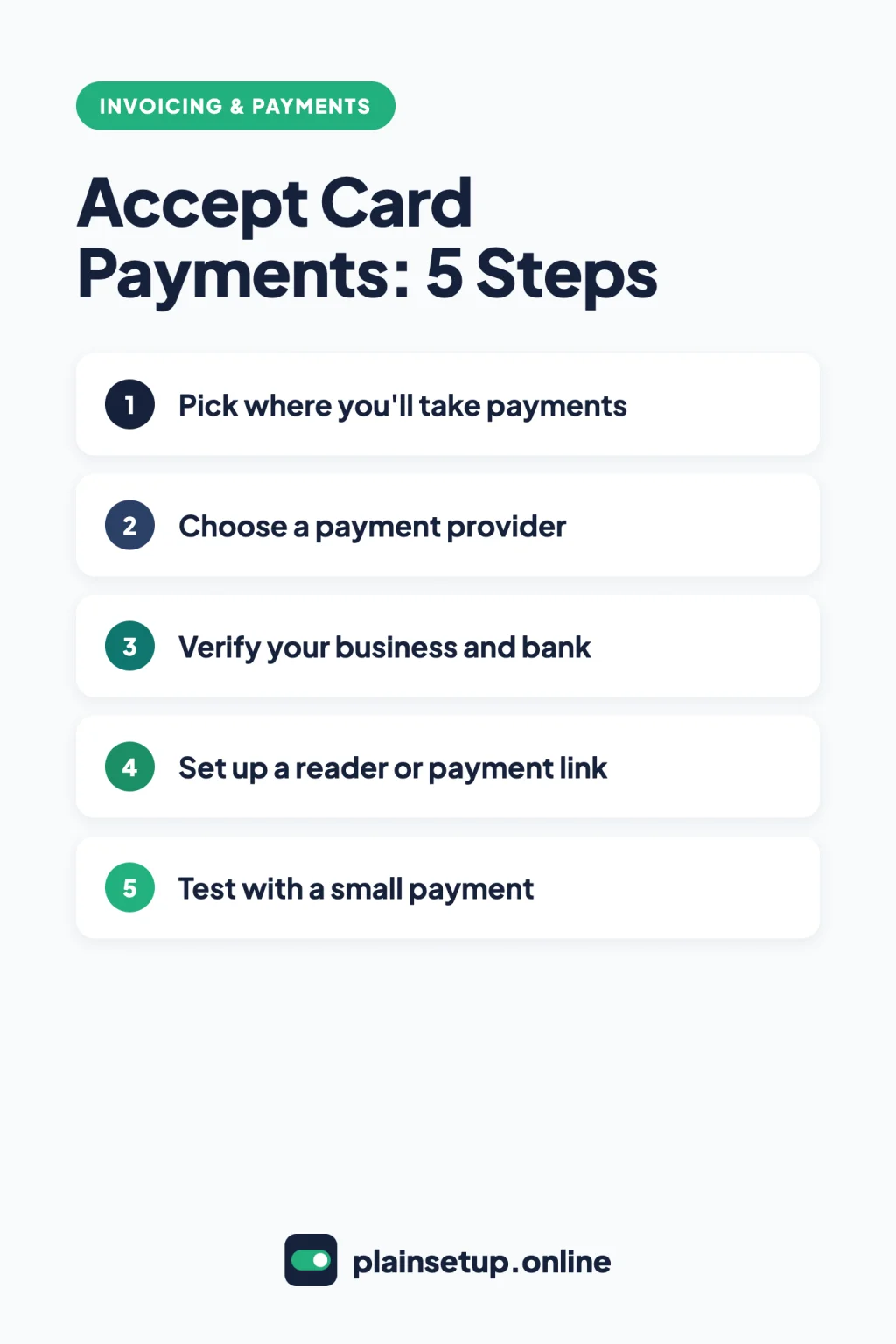
Quick steps
- Decide where you’ll take payments: in person, online or both.
- Choose a payment provider that fits those places.
- Sign up and verify your identity, business and bank account.
- Set up a card reader, tap to pay or a payment link.
- Test with one small real payment before you tell customers.
What you need to accept credit card payments
Every provider asks for the same basics:
- Your identity details. In the US, Square asks for your full legal name, SSN or ITIN, date of birth and US home mailing address (onboarding guide). Stripe verifies your legal name, business type, EIN, SSN (or ITIN) and business address (US requirements).
- A bank account for payouts (see the FAQ).
- A way to take the card: tap to pay, a card reader or a link.
PayPal’s Business account FAQ says you don’t need an LLC: sole proprietors can use their SSN instead of an EIN.
Square vs Stripe vs PayPal at a glance
US standard rates in US dollars, per transaction, for domestic cards. UK and Canada come later.
| What you need | Square (Free plan) | Stripe | PayPal |
|---|---|---|---|
| Card in person | 2.6% + 15¢ | 2.7% + 5¢ (Terminal) | 2.29% + $0.09 (Point of Sale) |
| Card online | 3.3% + 30¢ | 2.9% + 30¢ | 2.99% + $0.49 |
| Card typed in by hand | 3.5% + 15¢ | 2.9% + 30¢, plus 0.5% | 3.49% + $0.09 (Point of Sale) |
| Basic card reader | $59 | $59.00 (Stripe Reader M2) | $29 for your first, then $79 each |
| Tap to pay on your phone | Yes, 2.6% + 15¢ per tap | Yes, Terminal rate plus $0.10 per authorization | Yes, in the PayPal app |
| Monthly fee | None on Square Free | No setup or monthly fees | No monthly or setup fees (Point of Sale) |
| Dispute or chargeback fee | No fee for dispute management | $15.00 per dispute received | $15.00 dispute fee; $20.00 card chargeback fee |
Square’s paid plans, Plus and Premium, charge less: 2.5% + 15¢ and 2.4% + 15¢ in person, and 2.9% + 30¢ online. PayPal’s fee page was last updated October 1, 2026. Its $20.00 chargeback fee applies to card payments that didn’t go through a PayPal account or guest checkout.
Prices checked in October 2026. Plans and prices change, so confirm on the official pricing page (Square, Stripe, PayPal) before you buy.
In person: card readers and tap to pay
Tap to pay lets a customer tap a contactless card or phone wallet on your own phone, with no extra hardware:
- Square: Tap to Pay on iPhone needs an iPhone XS or above with iOS 15.5 or later and the free Square Point of Sale app. Tap to Pay on Android needs Android 9 or higher with NFC on.
- Stripe: per Stripe’s no-code guide, open the Stripe Dashboard mobile app, tap the add symbol, choose Charge a card or send an invoice, enter the amount and select Tap to Pay. It needs an iPhone XS or later, or a supported Android device.
- PayPal: Tap to Pay in the PayPal app works on an iPhone XS and above, or Android 8.0 with NFC. It lists $0 monthly or setup fees.
A card reader also takes chip cards. Square’s contactless and chip reader costs $59. PayPal’s Point of Sale pricing lists $29 for your first card reader (the standard price is $79). Stripe’s Reader M2 is $59.00.
Online: payment links, invoices and your website
Payment links let you get paid online without a store. Create one, then share it by text, email or QR code.
- Square: in the Dashboard, go to Payments & orders > Payment links > Create link. The menu may also be called Payments & invoices or Payments (Square’s guide).
- Stripe: Payment Links need no code, and Stripe pricing lists them as included with Payments.
- PayPal: the Merchant Fees page lists Point of Sale payment links paid by card at 2.99% + 0.49 USD.
Invoices suit clients who expect a bill. Customers can pay a US Square invoice by card, Apple Pay, Google Pay or ACH bank transfer, among other options; card payments use Square’s online rate. Card payments on a PayPal invoice cost 2.99% + $0.49. Stripe Invoicing Starter adds 0.4% per paid invoice on top of Stripe’s payment rates. For the setup, see how to send invoices with Stripe. To build the invoice itself, see how to create a professional invoice, and for accounting tools’ payment fees, our FreshBooks vs Wave vs QuickBooks comparison.
Your website: Square and Stripe can turn a payment link into a buy button for your page, no code needed.
What each payment really costs
One $100 sale on a US card at each standard rate: the percentage of $100 plus the fixed fee.
| One $100 sale | Rate | Fee | You keep |
|---|---|---|---|
| Square, in person (Free plan) | 2.6% + 15¢ | $2.60 + $0.15 = $2.75 | $97.25 |
| Stripe, in person with a reader | 2.7% + 5¢ | $2.70 + $0.05 = $2.75 | $97.25 |
| Stripe, Tap to Pay | 2.7% + 5¢ + $0.10 | $2.70 + $0.05 + $0.10 = $2.85 | $97.15 |
| PayPal Point of Sale, card present | 2.29% + $0.09 | $2.29 + $0.09 = $2.38 | $97.62 |
| Square, online (Free plan) | 3.3% + 30¢ | $3.30 + $0.30 = $3.60 | $96.40 |
| Stripe, online | 2.9% + 30¢ | $2.90 + $0.30 = $3.20 | $96.80 |
| PayPal, online card payment | 2.99% + $0.49 | $2.99 + $0.49 = $3.48 | $96.52 |
Extras change the total: Stripe adds 1.5% for international cards, and PayPal Checkout costs 3.49% + $0.49 ($3.98 on $100). Add the reader price too.
Availability in the US, UK and Canada
| Provider | UK standard rates | Canada standard rates |
|---|---|---|
| Square | 1.75% in person; 1.4% + 25p online for UK cards; 2.5% invoices or keyed | 2.5% in person (credit); 2.8% + 30¢ online; 3.3% + 15¢ keyed |
| Stripe | 1.5% + 20p online for standard UK cards | 2.9% + CA$0.30 online; 2.7% + CA$0.05 in person |
| PayPal | 2.9% + 0.30 GBP commercial; 1.75% Point of Sale card present | 2.90% + 0.30 CAD commercial |
- Square takes cards in all three countries, and you must be located in the country where you activated your account (availability page). Rates: UK, Canada. The UK reader is £19 + VAT.
- Stripe lists all three on its global page, with Tap to Pay on iPhone in each. Rates: UK, Canada.
- PayPal Point of Sale, formerly Zettle, has US and UK pages; the UK reader is £29 for your first, excluding VAT. Rates: UK. In-person payments aren’t shown on the Canadian fee page, so check with PayPal Canada.
Step by step: start taking card payments
1. Decide where you’ll take payments
List where customers pay: a counter, their door, an invoice after a job, or your website. That tells you whether you need a reader, tap to pay or links.
2. Choose a payment provider
Mostly face to face? Compare in-person rates and reader prices. Mostly online? Compare online rates.
3. Verify your business and bank
Sign up with the details listed earlier. Stripe may ask for a government-issued photo ID (verification page), and Square may ask for a photo ID and a selfie. Then link your bank. Square’s manual bank verification can take up to 4 business days (bank account guide).
4. Set up a reader or payment link
Turn on tap to pay, pair your reader, or create your first payment link using the menus above.
5. Test with a small payment
Charge your own card a small amount, then check it shows in your dashboard and later in your bank. Real payments carry processing fees, so keep it small.
Frequently asked questions
Can I accept credit card payments without a card reader?
Yes. All three offer tap to pay on a compatible phone, and links or invoices need no hardware. The FAQ on Square’s fees page lists invoicing, payment links, virtual terminal and Tap to Pay as ways to sell without hardware.
Which payment processor has the lowest fees?
It depends on how you sell. In the $100 example, PayPal’s card-present rate gave the smallest in-person fee, Stripe’s the smallest online fee, and Square Free tied Stripe with a reader. Run your own monthly mix through each rate.
How fast do I get paid?
Square’s standard schedule puts payments taken before 5 PM PT/8 PM ET in your bank the next business day, per its transfer options guide. Stripe’s payouts guide says your first payout is typically scheduled within 7 to 14 days.
Do I need a business bank account?
PayPal’s sign-up FAQ asks for business bank account details. Square needs a transactional bank account, not a prepaid card or online-only account. Stripe’s payouts guide lists checking and savings accounts, virtual bank accounts, and debit cards for instant payouts.
Sources
- Square: Understanding Our Fees (US)
- Square: Contactless & Chip Card Reader
- Square: Tap to Pay on iPhone
- Square: Accept payments with Tap to Pay on Android
- Square: Set up and edit transfer options
- Square: Onboard your sole proprietorship to Square
- Square: Link and edit your transfer methods
- Square: Manage payment disputes
- Square: Create and share payment links
- Square: Create and send invoices
- Square: Accept payment cards with Square
- Square: Understanding Our Fees (UK)
- Square: Square Reader (UK)
- Square: Understanding Our Fees (Canada)
- Stripe: Pricing & Fees (US)
- Stripe: Pricing & Fees (UK)
- Stripe: Pricing & Fees (Canada)
- Stripe: Invoicing built for speed and scale
- Stripe: Accept payments online without writing code
- Stripe: Accept in-person payments without writing code
- Stripe: Tap to Pay
- Stripe: Receive payouts
- Stripe: What do I need to do to verify my Stripe account?
- Stripe: Requirements for having a US Stripe account
- Stripe: Global availability
- PayPal: Merchant Fees (US)
- PayPal: POS Fees (US)
- PayPal: Accept Card Payments on Your Phone: Tap to Pay
- PayPal: Open a Business Account Online
- PayPal: Merchant Fees (UK)
- PayPal: POS Pricing (UK)
- PayPal: Merchant Fees (Canada)
Your Next Step
Today, split last month’s sales into in-person and online, and multiply each part by each provider’s rates above. Pick the one that fits, sign up, and you can accept credit card payments once your account is verified. For more help, browse our Invoicing & Payments guides.

Fernando Pompeu is a journalist and digital content writer with more than 8 years of experience in media outlets and news portals. He writes to explain things clearly and without jargon. At PlainSetup, he publishes step-by-step guides to the everyday tools small businesses run on, based on each tool’s official documentation and written for owners without an IT team.