
You have three regular clients and a Word invoice template. Then one client asks to pay by card, and you start comparing FreshBooks vs Wave vs QuickBooks to find a tool that can take the payment.
All three can send an invoice your client pays online. The real difference is the total: the monthly plan price plus the fee taken from every payment. Your country matters too, because the three work differently in the US, the UK and Canada.
If you’re still working out what every invoice must include, start with our guide on how to create a professional invoice for a small business.
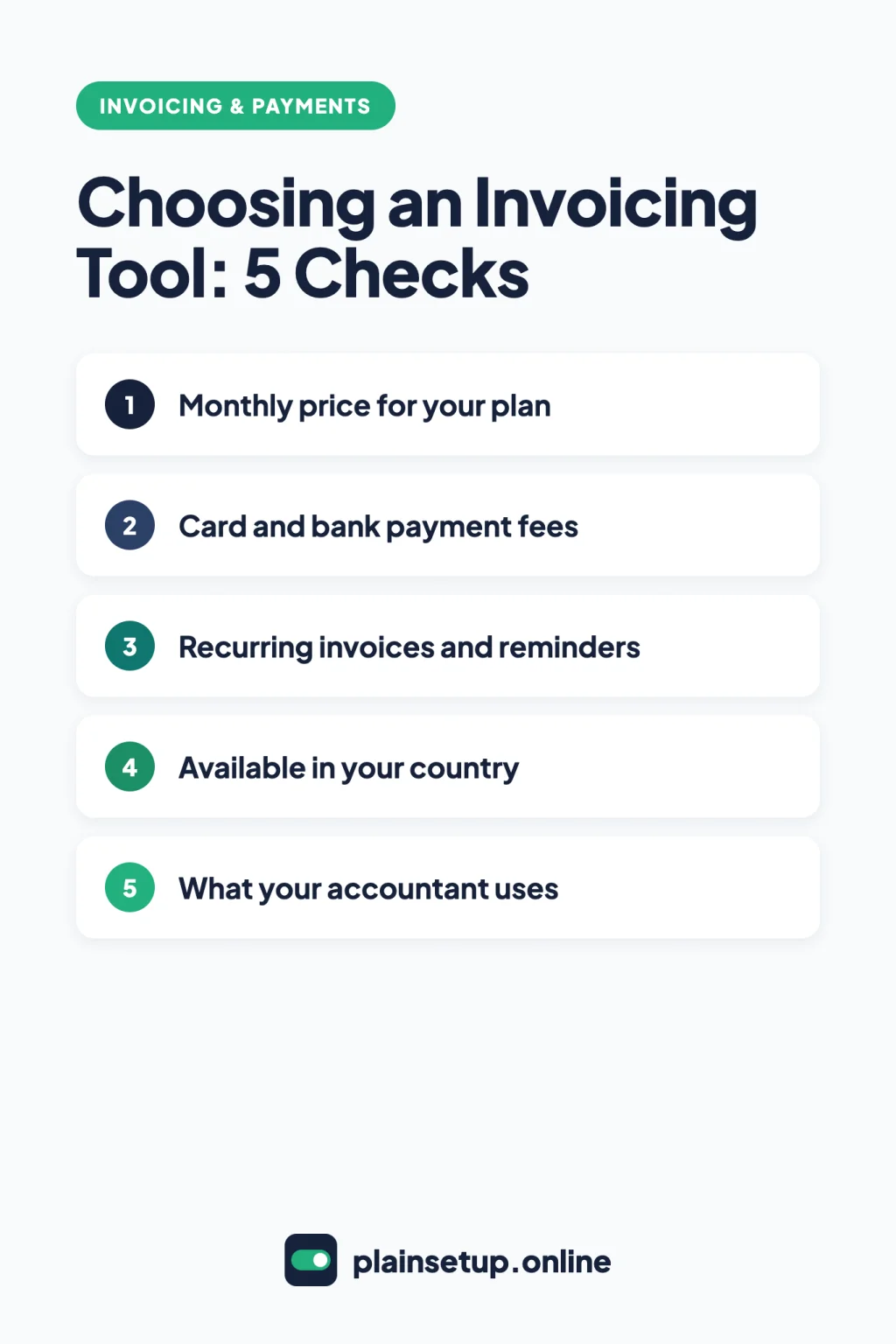
FreshBooks vs Wave vs QuickBooks: the short answer
Pick Wave if you’re in the US or Canada and want a $0 plan with unlimited invoices, and you’ll turn on its online payments to email invoices and reminders. Pick FreshBooks if you want reminders, deposits and recurring invoices on every plan and bill a set number of clients. Pick QuickBooks if your accountant already uses it.
- Zero budget, US or Canada: Wave Starter, with online payments on.
- Regular clients, automatic follow-ups: FreshBooks, after checking its client limits.
- Accountant on QuickBooks: a QuickBooks plan with accountant access.
- Based in the UK: FreshBooks or QuickBooks UK, not Wave.
How we compared them
To keep this FreshBooks vs Wave vs QuickBooks comparison simple, we looked only at invoicing: plans, payment fees, recurring invoices, reminders, estimates, deposits and country availability. Every fact comes from official pricing pages and help centers, checked in October 2026.
Prices are regular US prices in US dollars; the UK and Canada have their own sites and plans. We left out bookkeeping and tax features. For tax and bookkeeping questions, talk to an accountant.
Plans and prices for invoicing
These are the plans a freelancer or one-person business is most likely to use. Prices are per month, billed monthly, unless noted.
| Tool and plan | Listed price (US) | What limits your invoicing |
|---|---|---|
| Wave Starter | $0 | Unlimited invoices and estimates |
| Wave Pro | $19, or $190 a year billed annually | No invoice limit; reminders and email sending included |
| FreshBooks Lite | $23 | Invoices to 5 clients |
| FreshBooks Plus | $43 | Invoices to 50 clients |
| FreshBooks Premium | $70 | Unlimited clients |
| QuickBooks Free | $0 | 2 invoices and 1 estimate a month |
| QuickBooks Lite | $20 | Unlimited invoices; 1 user, no accountant access |
| QuickBooks Simple Start | $38 | 1 user, plus access for 2 accountants |
| QuickBooks Essentials | $85 | 3 users |
Prices checked in October 2026. Plans and prices change, so confirm on the official pricing page before you buy: FreshBooks pricing, Wave pricing and QuickBooks pricing. FreshBooks and QuickBooks often show introductory discounts; the table uses the regular price.
- FreshBooks has no free plan but offers a 30-day free trial. Its client limit counts active and archived clients.
- Wave Pro is charged per business, not per owner.
- QuickBooks Free lifts the invoice limit if you qualify for and turn on QuickBooks Payments, says the QuickBooks Free page. The 30-day free trial covers paid plans. The $20 plan appears as Lite on the QuickBooks self-employed plans page, though help pages still call it Solopreneur. QuickBooks also lists Plus ($140, 5 users) and Advanced ($340, 25 users).
Getting paid online: payment fees
Each tool has its own payment service, and the fee comes out of every invoice paid online. These are standard US rates from FreshBooks’ fee page, Wave’s processing fees guide and QuickBooks’ payment rates page.
| Payment type | FreshBooks Payments | Wave | QuickBooks Payments |
|---|---|---|---|
| Visa, Mastercard, Discover | 2.9% + $0.30 | 2.9% + $0.60 | 2.99% |
| American Express | 3.5% + $0.30 | 3.4% + $0.60 | 2.99% |
| Bank payment (ACH) | 1% | 1% ($1 minimum) | 1% |
- Wave Pro drops the $0.60 on your first 10 card payments each month.
- FreshBooks charges 3.5% + $0.30 for business and corporate cards too, adds 1.5% for cards issued abroad, and adds 2% when the invoice currency differs from your payments account.
- QuickBooks applies the same card rate to every brand, corporate cards included.
- None of the three turns payments on automatically: each checks your application or eligibility first. Wave reviews applications within 3 business days.
If clients book appointments, you can also take payment when they book: see Calendly vs Acuity Scheduling.
What one invoice really costs
Take one $500 invoice paid by Visa or Mastercard:
- FreshBooks: 2.9% of $500 is $14.50, plus $0.30 = $14.80. You receive $485.20.
- Wave Starter: $14.50 plus $0.60 = $15.10. You receive $484.90. On Wave Pro, within your first 10 card payments, it’s $14.50.
- QuickBooks: 2.99% of $500 = $14.95. You receive $485.05.
Paid by bank transfer, the same invoice costs 1%, or $5.00, with all three. On a $500 invoice the three card fees are within 30 cents of each other, so over a month the plan price matters more. Three $500 card invoices:
| Plan | Plan price | Card fees | Month total |
|---|---|---|---|
| QuickBooks Free, with Payments | $0 | 3 × $14.95 = $44.85 | $44.85 |
| Wave Starter | $0 | 3 × $15.10 = $45.30 | $45.30 |
| Wave Pro | $19 | 3 × $14.50 = $43.50 | $62.50 |
| QuickBooks Lite | $20 | 3 × $14.95 = $44.85 | $64.85 |
| FreshBooks Lite | $23 | 3 × $14.80 = $44.40 | $67.40 |
QuickBooks Free only works here if you qualify for QuickBooks Payments, since three invoices is over its monthly limit.
Invoicing features side by side
| Feature | FreshBooks | Wave | QuickBooks |
|---|---|---|---|
| Recurring invoices | Every plan | Sending through Wave needs online payments or Pro | Yes, as templates; invoices saved as drafts |
| Automatic reminders | Up to 3, every plan | Needs online payments or Pro | Up to 3, within 90 days of the due date |
| Estimate to invoice | Every plan | Yes | Once the estimate is accepted |
| Deposits | On invoices, every plan | On estimates, with online payments or Pro | On estimates, paid with QuickBooks Payments |
| Mobile app invoicing | iOS and Android | Both plans | Not on Free |
| Other currencies | Set per client | Foreign currency invoices | Essentials and up; not with QuickBooks Payments |
FreshBooks puts the same core invoicing tools on every plan. Its invoice guide covers deposits, payment schedules, reminders and late fees, and estimates convert to invoices from the More Actions menu. Plus adds proposals and client retainers.
With Wave, the dividing line is online payments. Once they’re on, Starter can email invoices through Wave, schedule reminders, send recurring invoices and request deposits. Wave also lets you convert estimates and bill in another currency.
In QuickBooks, automatic reminders only go to invoices you’ve already emailed, and recurring templates create drafts for you to review. A paid deposit on an estimate becomes a partial payment when you convert the estimate. Multicurrency can’t be turned off once enabled.
Availability in the US, UK and Canada
| Country | FreshBooks | Wave | QuickBooks |
|---|---|---|---|
| US | Card and ACH through FreshBooks Payments | Supported | Plans and rates in this article |
| Canada | Prices in CAD; pre-authorized debit for bank payments | Supported | Separate Canadian site and plans |
| UK | Prices in GBP; payments through Stripe Standard, including BACS Direct Debit | Can’t send invoices or reminders through Wave | Separate UK site and plans |
FreshBooks Payments is only for businesses in the US and Canada, and ACH works only for US businesses and clients. UK businesses connect Stripe Standard instead, and the FreshBooks UK pricing page caps the direct debit fee at £4 per transaction on Lite and Plus. Canadian prices are on FreshBooks Canada.
QuickBooks has separate UK and Canada sites with different plan names, so check the local page for prices and payment options.
Which one should you choose?
- A few invoices and a zero budget. In the US or Canada, Wave Starter costs nothing and has no invoice limit; apply for online payments to email invoices through Wave. QuickBooks Free stops at 2 invoices a month without QuickBooks Payments, and has no mobile app.
- Many clients and automatic reminders. FreshBooks includes reminders, late fees, deposits and recurring invoices on every plan, so your client count decides: Lite covers 5, Plus 50. Wave Pro ($19) gives you reminders and email sending without turning on payments.
- Your accountant already uses QuickBooks. Simple Start ($38) is the first US plan with accountant access; Lite doesn’t include it. Consider Essentials only if you bill in other currencies.
- You’re based in the UK. Compare FreshBooks UK and QuickBooks UK on their local pricing pages.
Frequently asked questions
Is Wave really free?
The Starter plan is $0, and Wave says it includes basic accounting and invoicing. The catch is delivery: emailing invoices and reminders through Wave is part of online payments (with a fee per payment) or the paid Pro plan. Without either, you can share an invoice as a link or PDF.
Can I use Wave in the UK?
Not for invoicing. Wave has focused only on the US and Canada since November 2020, and users outside those countries can no longer send invoices or reminders through Wave. It points them to Zoho Books.
Does QuickBooks have a free plan?
Yes. QuickBooks Free is $0 a month for one user, with 2 invoices and 1 estimate a month; enabling QuickBooks Payments, if you qualify, unlocks unlimited invoices. It’s not the same as the 30-day free trial of a paid plan.
Which one has the lowest card fees?
It depends on the amount. With the published card rates, a $100 Visa payment costs $3.20 on FreshBooks ($2.90 + $0.30), $3.50 on Wave Starter ($2.90 + $0.60) and $2.99 on QuickBooks. At $1,000 it’s $29.30, $29.60 and $29.90, so QuickBooks goes from cheapest to most expensive.
Sources
- Pricing pages: FreshBooks (US), FreshBooks (UK), FreshBooks (Canada), Wave, QuickBooks (US), QuickBooks (UK), QuickBooks (Canada)
- QuickBooks: QuickBooks Free
- QuickBooks: Accounting Software for Solopreneurs
- FreshBooks: Transaction fees for FreshBooks Payments (USD)
- FreshBooks: Accept online payments with FreshBooks Payments
- FreshBooks: Accept online payments with Stripe Standard
- FreshBooks: How do I create an invoice?
- FreshBooks: How do I create an estimate?
- Wave: Online payments processing fees and timelines
- Wave: Set up online payments
- Wave: Is Wave free?
- Wave: Changes for users outside the US and Canada
- Wave: Send an invoice through Wave
- Wave: Schedule invoice payment reminders
- Wave: Set up a recurring invoice
- Wave: Add a deposit request to an estimate
- Wave: Convert an estimate to an invoice
- Wave: Create a foreign currency invoice or bill
- QuickBooks: Payment rates
- QuickBooks: Send invoice reminders
- QuickBooks: Create recurring invoices
- QuickBooks: Request a customer deposit on an estimate
- QuickBooks: Convert an estimate into an invoice
- QuickBooks: Set up and use Multicurrency
Your Next Step
Today, write down how many clients you bill each month and how each one likes to pay. That list settles FreshBooks vs Wave vs QuickBooks for you: start the free plan or trial of the tool that fits and create your first invoice. For more help, browse our Invoicing & Payments guides.

Fernando Pompeu is a journalist and digital content writer with more than 8 years of experience in media outlets and news portals. He writes to explain things clearly and without jargon. At PlainSetup, he publishes step-by-step guides to the everyday tools small businesses run on, based on each tool’s official documentation and written for owners without an IT team.