
The Calendly vs Acuity question usually starts with a message like this: a new client picks a time for her first session, then asks, “Can I just pay when I book?” If your booking link can’t take payment, you’re back to sending invoices and chasing no-shows.
Both tools let clients book themselves, but they charge you differently and let you sell different things. Here’s how they compare for consultants, coaches, tutors, small salons and anyone who charges per session.
If you haven’t chosen a type of tool yet, start with our guide on how to set up an online booking system for a small business, which compares five options at a high level. This post goes deeper on two.
Calendly vs Acuity: the short answer
Pick Calendly if most bookings are calls or meetings, you want a free plan to start, and taking payment is a nice extra. Pick Acuity Scheduling if you sell paid sessions and need deposits, tips, packages, gift certificates or detailed intake forms. For a team, compare Calendly’s per-seat price with Acuity’s flat monthly price per plan.
- Solo consultant or coach who mostly books calls: Calendly Free, or Standard once you want payments and reminders.
- Paid one-to-one sessions with deposits or packages: Acuity Standard.
- Small team sharing one booking page: Acuity Standard (up to six calendars) or Calendly Teams (round robin).
| Calendly | Acuity Scheduling | |
|---|---|---|
| Pricing model | Per seat, and every host needs one | One price per plan, by number of calendars (1, 6 or 36) |
| Free plan | Yes: one event type, one calendar | No |
| Free trial | 14 days | 7 days, no credit card |
| Payment at booking | Stripe or PayPal, Standard and up | Stripe, Square or PayPal, all plans |
| What you can sell | Paid event types, payment links, meeting packages | Full payment or deposit, tips, packages, gift certificates, subscriptions |
| Intake questions | Up to 10 per event type | No question limit, file uploads |
| Text reminders | Paid plans, using monthly SMS credits | Standard and Premium, one per appointment |
| Video tools listed | Zoom, Google Meet, Microsoft Teams, GoTo Meeting, Webex | Zoom, Google Meet, GoToMeeting |
Plans and prices
Calendly needs a seat for anyone who connects a calendar and hosts meetings; invitees don’t need one. Acuity lists one monthly price per plan, which sets your number of calendars (one per staff member or location).
| Plan | Billed yearly | Billed monthly | Unit |
|---|---|---|---|
| Calendly Free | Free | Free | Always free |
| Calendly Standard | $10 | $12 | Per seat per month |
| Calendly Teams | $16 | $20 | Per seat per month |
| Calendly Enterprise | Starts at $15k per year | Not listed | Starts at 50 seats |
| Acuity Starter (1 calendar) | $16 | $20 | Per month |
| Acuity Standard (up to 6 calendars) | $27 | $34 | Per month |
| Acuity Premium (up to 36 calendars) | $55 | $69 | Per month |
Calendly also sells Standard Plus and Teams Plus, which add its Notetaker and Callie AI assistant (labeled beta), at $18 and $24 per seat per month billed yearly. Acuity’s Enterprise plan has unlimited calendars and no listed price.
Prices checked in October 2026. Plans and prices change, so confirm on the official pricing pages for Calendly and Acuity Scheduling before you buy.
On price alone, Calendly vs Acuity comes down to how many people take bookings. With yearly billing:
- One person: Calendly Standard is 1 seat × $10 = $10 a month. Acuity Starter is $16.
- Three people: Calendly Standard is 3 × $10 = $30 a month, or Teams (needed for round robin) is 3 × $16 = $48. Acuity Standard is $27 for up to six calendars.
Billed monthly, three people pay 3 × $12 = $36 or 3 × $20 = $60 on Calendly, against $34 on Acuity. Features differ at each price, so read on.
The booking experience for your clients
Clients pick a service and a time in both tools. Calendly calls services event types (Free includes one); Acuity calls them appointment types.
Calendar sync is the bigger difference. Calendly can connect Google Calendar, Office 365 or Outlook.com, and Exchange: one calendar on Free, up to six per user on paid plans. Acuity syncs with Google, iCloud and three versions of Outlook, and availability is always set inside Acuity. iCloud isn’t on Calendly’s list.
Payments, deposits and packages
Calendly. On Standard and up, you connect Stripe or PayPal and require payment per event type. The pricing page also lists payment links and meeting packages for prepaid sessions on Standard and up.
Acuity. Every plan takes payments. You choose a payment processor from Stripe, Square or PayPal (PayPal adds Venmo for US businesses). For each appointment type, you choose how clients pay: in full, a deposit as a fixed amount or percentage, saved card details (Stripe or Square only), pay what you want, or nothing upfront. Clients who pay in full can add a tip of 15%, 18%, 20% or a custom amount.
On Standard and Premium, Acuity also lets you sell packages, gift certificates and subscriptions. Subscriptions need Stripe or Square.
In both tools, refunds are issued in your payment processor, not in the booking tool. Calendly says it doesn’t calculate or collect sales tax or VAT, so ask an accountant how taxes apply to your prices.
Intake forms and client information
Calendly lets you add up to 10 invitee questions per event type on every plan. Routing forms, which send people to the right host based on their answers, are on Teams and above.
Acuity’s intake forms go further and are on every plan. There’s no limit on questions per form, clients can upload files up to 5 MB, and an address answer can become the appointment location. You can show different forms for different appointment types.
On health information, Calendly’s Notetaker FAQ says Calendly doesn’t currently comply with HIPAA, while Acuity says you can make an account HIPAA-enabled on Premium by signing a BAA with Squarespace. If this applies to your work, check with your own advisor.
Reminders and no-shows
Calendly. Automated reminders and a cancellation policy start on Standard. Text messages need the invitee’s opt-in and use SMS credits: 250 per seat per month on non-Enterprise plans. A text to the US or Canada uses 0 credits, and one to the UK uses 1. If you run out, texts stop and Calendly sends emails instead.
Acuity. Every plan sends confirmation and reminder emails, up to three reminders per appointment. Text reminders are on Standard and Premium: one text per appointment, no extra fee from Acuity, and only for clients who opt in. Acuity can text more than 180 countries, and the US, Canada and UK aren’t on its blocked list.
Teams, locations and video calls
Calendly’s multi-person options start on Standard with collective events (everyone must be free) and group events. Round robin, which rotates bookings among hosts, needs Teams. Each host needs their own paid seat.
Acuity counts calendars instead, one per staff member or location. Staff calendars need Standard or Premium. With pooled availability, clients pick “Any Available” and Acuity assigns the booking by priority or round robin.
For video, Calendly connects to Zoom, Google Meet, Microsoft Teams, GoTo Meeting and Webex on all plans. Acuity’s video conferencing page lists Zoom, Google Meet and GoToMeeting, and creates a unique link for each booking.
Branding and your website
Calendly lets you add Calendly to your website on any plan, as an inline embed, a popup widget or popup text. You can turn off the “Powered by Calendly” badge on Standard, Teams and Enterprise, which also unlock custom embed colors.
Acuity includes your logo and colors on every plan, but removing “Powered by” and adding custom CSS are Premium only. You can add Acuity to your website as an embedded scheduler, a booking button or a booking bar. Your link can become yourbusiness.as.me, but you can’t point a domain you own at the scheduling page.
Which one should you choose?
- Meetings and sales calls. Choose Calendly. Start on Free, then Standard for payments and reminders, and Teams only if you need round robin.
- Paid sessions with intake forms. Choose Acuity. Starter covers payments, deposits and intake forms for one calendar. Standard adds packages, gift certificates, subscriptions and text reminders.
- A team with several calendars. Acuity Standard covers up to six calendars at one price. Calendly suits teams that mostly run meetings and want round robin or collective events.
Frequently asked questions
Does Calendly have a free plan?
Yes. Calendly’s Free plan is always free and covers one-on-one scheduling, and when the 14-day trial ends your account moves to Free automatically. Acuity has no free plan; its trial lasts seven days, or 14 if you add Acuity to a Squarespace website.
Is Acuity Scheduling part of Squarespace?
Yes. Acuity says “Acuity Scheduling is a Squarespace company,” and you sign up with a Squarespace account. You don’t need a Squarespace website, though: Acuity works on its own or with almost any other site.
Can clients pay when they book with Calendly?
Yes, on paid plans. The Calendly Payments FAQ says the invitee is charged during booking and the meeting is confirmed once the payment goes through. The money goes straight to your Stripe or PayPal account.
Can I test text reminders during the free trial?
No. Calendly says text reminders can’t be sent during the trial, and Acuity’s trial can’t send emails or automated texts. Test reminders after you subscribe.
Sources
- Calendly: Pricing
- Calendly: Connect your calendar to Calendly
- Calendly: Calendly + Stripe
- Calendly: Payments FAQ
- Calendly: How to add or remove invitee questions
- Calendly: Notetaker FAQ
- Calendly: How to send text messages with Automations
- Calendly: SMS credit limits
- Calendly: Multi-person scheduling options
- Calendly: How to schedule with video conferencing
- Calendly: How to add Calendly to your website
- Calendly: How to turn off Calendly branding
- Acuity: Pricing Plans & Features
- Acuity: Starting an Acuity Scheduling trial
- Acuity: What is Acuity Scheduling?
- Acuity: Syncing your calendar
- Acuity: Choose a payment processor
- Acuity: Choosing how clients pay
- Acuity: Accepting tips
- Acuity: Packages, gift certificates, and subscriptions
- Acuity: Handling refunds
- Acuity: Create custom intake forms
- Acuity: Acuity Scheduling and HIPAA
- Acuity: Sending appointment reminders via text
- Acuity: Where can I send text message notifications?
- Acuity: Adding and managing calendars
- Acuity: Set up new staff members
- Acuity: Pooling calendar availability
- Acuity: Set up video conferencing
- Acuity: Adding Acuity Scheduling to your website
- Acuity: Change your scheduling page link
Your Next Step
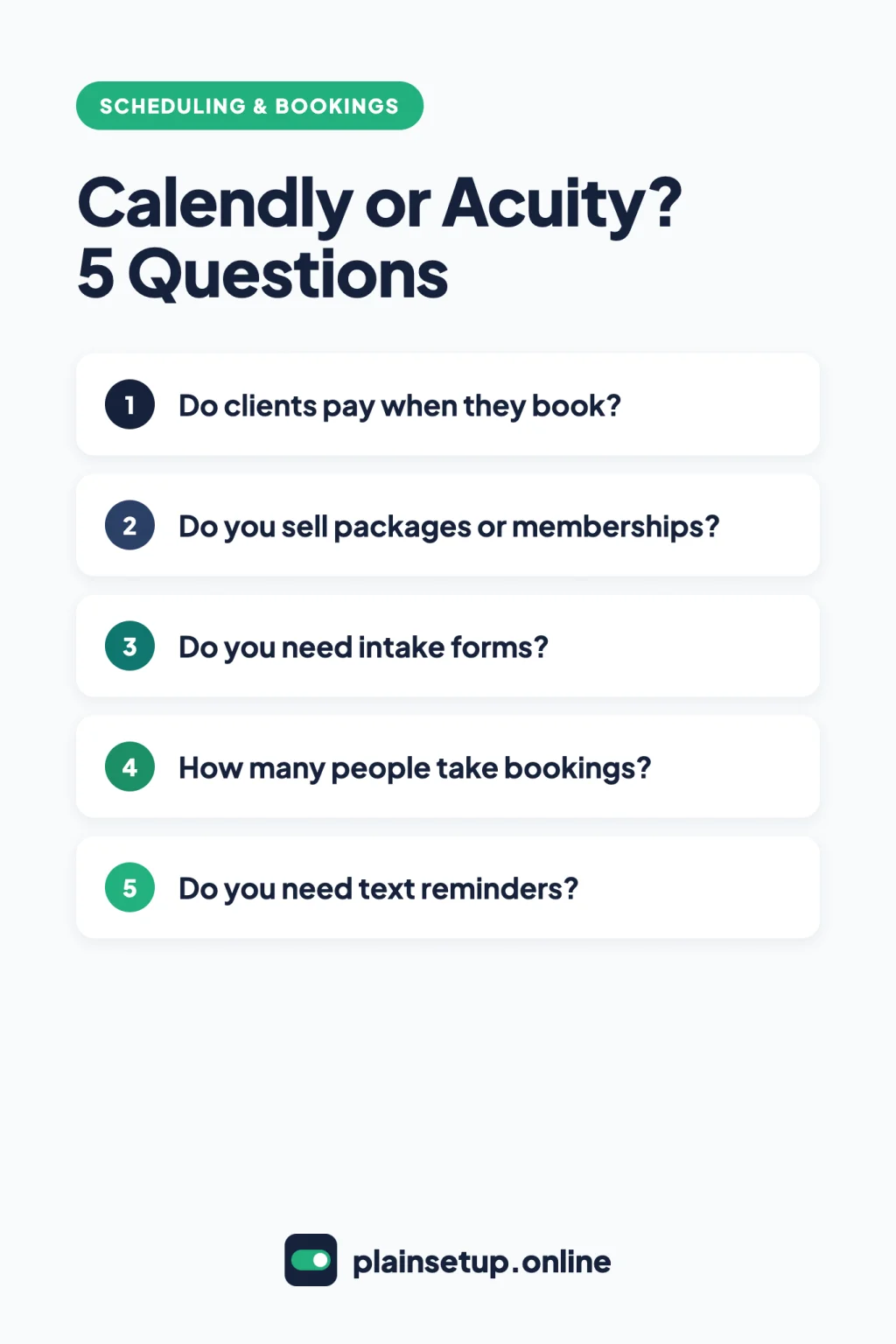
Today, write down how you want clients to pay (in full, with a deposit, with a package or at the session) and how many people take bookings. Those two answers settle most of the Calendly vs Acuity decision, so start the trial that fits and book a test appointment with a second email address. For more help, browse our Scheduling & Bookings guides.

Fernando Pompeu is a journalist and digital content writer with more than 8 years of experience in media outlets and news portals. He writes to explain things clearly and without jargon. At PlainSetup, he publishes step-by-step guides to the everyday tools small businesses run on, based on each tool’s official documentation and written for owners without an IT team.