
You have a spreadsheet of leads, a handful of quotes waiting for a reply, and a plan to send a monthly email to past customers. One friend says to get HubSpot. Another says Mailchimp. Both have free plans, so the real question in HubSpot vs Mailchimp is which job you need done first.
HubSpot is a CRM. It keeps a record of people, companies, deals and follow-up tasks, and its free tools can also send marketing emails. Mailchimp is an email marketing tool. It collects sign-ups, sends campaigns and keeps a profile for each contact. They overlap, but they start from opposite ends.
Below, you’ll see free plans, limits, automations, prices and how to connect the two, using only the vendors’ own pages.
HubSpot vs Mailchimp: the short answer
Start with HubSpot if your main problem is keeping track of leads, deals and follow-ups. Its free CRM holds up to 1,000 contacts and also sends 2,000 marketing emails a month. Start with Mailchimp if your main job is sending a newsletter. Its free plan covers 250 contacts and 500 sends a month.
| Feature | HubSpot free tools | Mailchimp Free |
|---|---|---|
| Built for | CRM: contacts, companies, deals, tasks | Email marketing: audience and campaigns |
| Users | 2 | 1 seat |
| Contacts | 1,000 total contacts | 250 contacts |
| Marketing email | 2,000 sends a month | 500 a month, 250 a day |
| Deal pipeline | 1 pipeline per object type | Not listed on plan pages |
| Organizing contacts | Segments, 10 custom properties | Tags, basic segments, contact profiles |
| Branding | HubSpot branding on emails and forms | Mailchimp branding stays on |
| First paid plan | Marketing Hub Starter, $20/month per seat | Essentials, price depends on list size |
CRM vs email marketing: two different starting points
HubSpot is organized around records. A contact is any person who interacts with your business, and a deal tracks a transaction with a customer or company, per HubSpot’s guide to objects. You attach tasks, emails and notes to those records.
Mailchimp is organized around your audience: the list of people you email. Your audience holds subscribed, unsubscribed and non-subscribed contacts in one place, according to Getting Started with Your Audience. You label people with tags, group them with segments, and send campaigns to those groups.
Free plans side by side
HubSpot’s free tools are “100% free with no expiration date,” with up to two users and 1,000 contacts, per the HubSpot CRM page. The Free Tools catalog lists 2,000 email sends per calendar month, forms, 30 landing pages and one personal meeting link. Emails, forms, landing pages and meeting links all carry HubSpot branding on the free plan.
Mailchimp Free includes up to 250 contacts and 500 sends a month, with a daily limit of 250, 1 audience and 1 seat, per About Mailchimp Pricing Plans. The compare plans page lists forms, landing pages, tags and contact profiles on Free. Email scheduling and removing Mailchimp branding are not included, and email support lasts only for the first 30 days.
Tracking deals and follow-ups
This is where the two differ most. HubSpot’s free tools include deals and 1 HubSpot-provided pipeline per object type, so you can move each deal through stages such as Quote sent and Won. Free accounts get 0 custom pipelines; Starter gets 15, per HubSpot’s pipelines article. Tasks work as reminders tied to a contact, company or deal, and you can connect Gmail or Outlook on every plan to log emails to the CRM.
Mailchimp gives each person a contact profile with campaign activity, tags and notes. Its contact profiles page says you can leave notes or add a tag after a conversation, including from the mobile app. Its plan pages don’t list a deal pipeline or sales tasks.
If following up on quotes is your daily headache, our guide on how to set up a simple CRM for a small business walks through contacts, pipeline stages and tasks.
Sending newsletters: contacts and send limits
Mailchimp counts subscribed, unsubscribed and non-subscribed contacts toward your total, while archived, cleaned and deleted contacts don’t count. If a Free account goes over 250 contacts, Mailchimp holds live and test emails until you upgrade or reduce your total. Essentials starts at up to 500 contacts, can store up to 50,000, and allows 10 times your contact limit in monthly sends. At 500 contacts, that’s 500 × 10 = 5,000 sends a month.
HubSpot’s free tools send 2,000 marketing emails a month to your 1,000 contacts. On Marketing Hub Starter, HubSpot splits contacts into marketing contacts, who can receive marketing emails, and non-marketing contacts, who can’t. Starter includes 1,000 marketing contacts and a send limit of 5 times your marketing contact tier, so 1,000 × 5 = 5,000 sends a month, per the Products catalog. Non-marketing contacts are free, but if you go over your marketing contact tier, HubSpot bills you right away.
To compare more newsletter tools, see our Mailchimp vs MailerLite vs Kit comparison.
Automations on free and entry plans
HubSpot Free allows 1 automated action per email and 1 automated email per form, so you can send a thank-you email after someone fills in a form. Starter adds simple automations from contact, company and deal pages, such as creating a task whenever a deal’s stage is updated. The full workflows tool needs a Professional plan.
Mailchimp automation flows start on Essentials, with up to 4 steps per flow; Standard and higher allow up to 200 steps, per Mailchimp’s flows article. The compare plans page is inconsistent about Free: one table says flows aren’t included, and another lists a free preview. Mailchimp’s tags guide also mentions automations that start when you add a tag to a contact.
What it costs as you grow
HubSpot Marketing Hub Starter starts at $20 a month per Core Seat, with 1 seat, 1,000 marketing contacts and 500 HubSpot Credits a month included. Extra seats are $20 a month each, and more marketing contacts raise the price. Starter can be a monthly or annual commitment, per HubSpot’s renewal article. New-customer discounts come and go; this guide uses the regular price. Starter removes HubSpot branding.
At the listed price, Starter for two people is 2 × $20 = $40 a month, and one seat for a year is 12 × $20 = $240.
Mailchimp Essentials includes up to 500 contacts at its starting price, and the price goes up with your contact total. We couldn’t confirm Mailchimp’s regular US price in dollars, because its pricing page showed only a 50% off promotional price for 12 months. Check the Mailchimp pricing page with your exact contact count.
Prices checked in October 2026. Plans and prices change, so confirm on the official pricing page before you buy (HubSpot, Mailchimp). HubSpot notes its prices are in USD and subject to applicable tax.
Using HubSpot and Mailchimp together
You don’t have to pick only one. HubSpot builds a Mailchimp integration that works with HubSpot Free and with Mailchimp Free, Essentials or Standard, per its Marketplace listing. According to Use HubSpot’s integration with Mailchimp, it does two things:
- Sends form contacts to Mailchimp. Contacts from non-HubSpot forms go to a Mailchimp list. The sync only runs from HubSpot to Mailchimp, and HubSpot sends only first name, last name and email address.
- Shows Mailchimp activity in HubSpot. Every 15 minutes, sends, opens, clicks and bounces are added to existing HubSpot contacts. Campaigns sent over 30 days before you connect, and A/B tests, are skipped.
To connect, click the Marketplace icon > HubSpot Marketplace, search for the Mailchimp integration, click Install App, log in to Mailchimp and click Allow. To see activity on contact records, go to Settings > Integrations > Connected Apps > Mailchimp > Email service provider and turn on Show Mailchimp email activities on HubSpot contact records.
Which one should you choose?
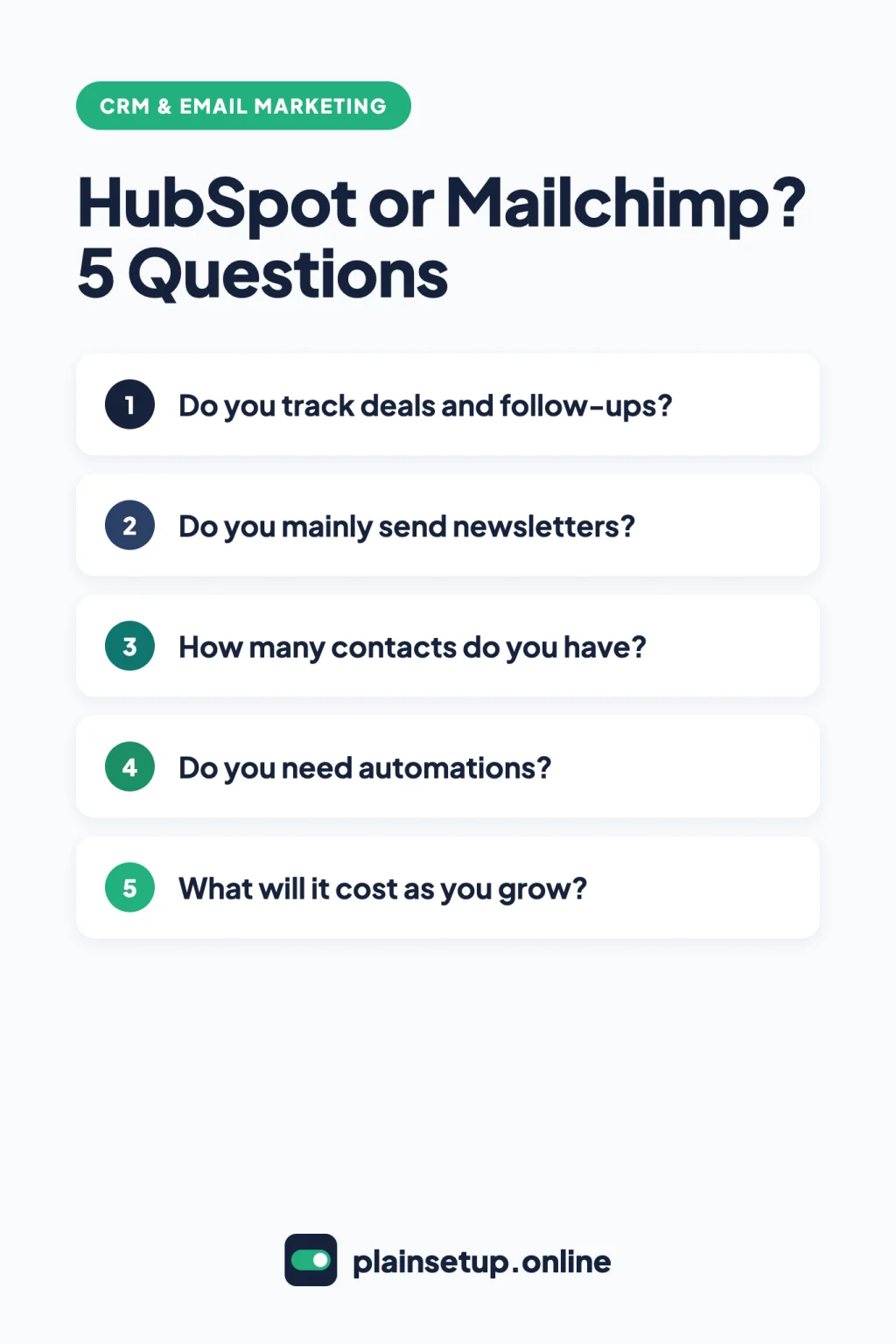
Settle HubSpot vs Mailchimp by the job you do most often each week:
- You lose track of quotes and follow-ups: start with HubSpot’s free CRM for its deal pipeline and tasks.
- You mainly send a newsletter to under 250 people: Mailchimp Free covers it, with tags and contact profiles.
- You have 250 to 1,000 contacts and no budget yet: HubSpot’s free tools hold 1,000 contacts and send 2,000 emails a month, with HubSpot branding.
- You want multi-step email automations: compare Mailchimp Essentials (up to 4 steps) with HubSpot Starter’s simple automations before you pay.
- You need both: keep deals in HubSpot, send campaigns from Mailchimp and connect them with HubSpot’s free integration.
Frequently asked questions
Is HubSpot’s free CRM really free?
Yes. HubSpot says its free CRM has no expiration date and needs no credit card, with up to two users and 1,000 contacts. Removing HubSpot branding and getting higher limits need a paid Starter plan, per the Starter plan page.
Can Mailchimp work as a CRM?
For light use, partly. Mailchimp keeps a contact profile with tags, notes and campaign activity. Its plan pages don’t list deal pipelines or sales tasks, so a CRM fits deal tracking better.
Can I connect HubSpot and Mailchimp for free?
Yes. HubSpot’s help article lists the integration for all products and plans, and the Marketplace listing names Mailchimp Free, Essentials or Standard. Contacts sync one way, from HubSpot to Mailchimp.
Which free plan sends more emails?
HubSpot’s free tools allow 2,000 email sends per calendar month. Mailchimp Free allows 500 sends a month, with no more than 250 in a day.
Sources
- HubSpot: Free CRM Software for Small Businesses
- HubSpot: Products & Services Catalog, Free Tools
- HubSpot: Products & Services Catalog, Products
- HubSpot: Marketing Hub
- HubSpot: Starter Plan for Startups & Small Businesses
- HubSpot: How to use objects for business processes
- HubSpot: Set up and manage object pipelines
- HubSpot: Connect an individual work email
- HubSpot: Create automations from the automation side panel
- HubSpot: Review your HubSpot renewal
- HubSpot: Use HubSpot’s integration with Mailchimp
- HubSpot: Mailchimp Campaign Sync (Marketplace)
- Mailchimp: About Mailchimp Pricing Plans
- Mailchimp: Pricing plans (Marketing)
- Mailchimp: Compare plans
- Mailchimp: Getting Started with Your Audience
- Mailchimp: Getting Started with Tags
- Mailchimp: Contact Profiles
- Mailchimp: About Marketing Automation Flows
Your Next Step
Today, write down two numbers: how many open quotes or leads you’re following up on, and how many people you plan to email each month. If the first number keeps you up at night, open HubSpot’s free CRM; if the second one matters more, start a Mailchimp Free account. That’s HubSpot vs Mailchimp settled for now, and you can connect them later. For more help, browse our CRM & Email Marketing guides.

Fernando Pompeu is a journalist and digital content writer with more than 8 years of experience in media outlets and news portals. He writes to explain things clearly and without jargon. At PlainSetup, he publishes step-by-step guides to the everyday tools small businesses run on, based on each tool’s official documentation and written for owners without an IT team.