
Your booking form needs to do two things a plain contact form doesn’t: collect a deposit and receive a photo from the client. Google Forms is right there in your Google account, but it isn’t obvious it can handle either one. That’s usually the moment people start comparing Google Forms vs Jotform vs Tally.
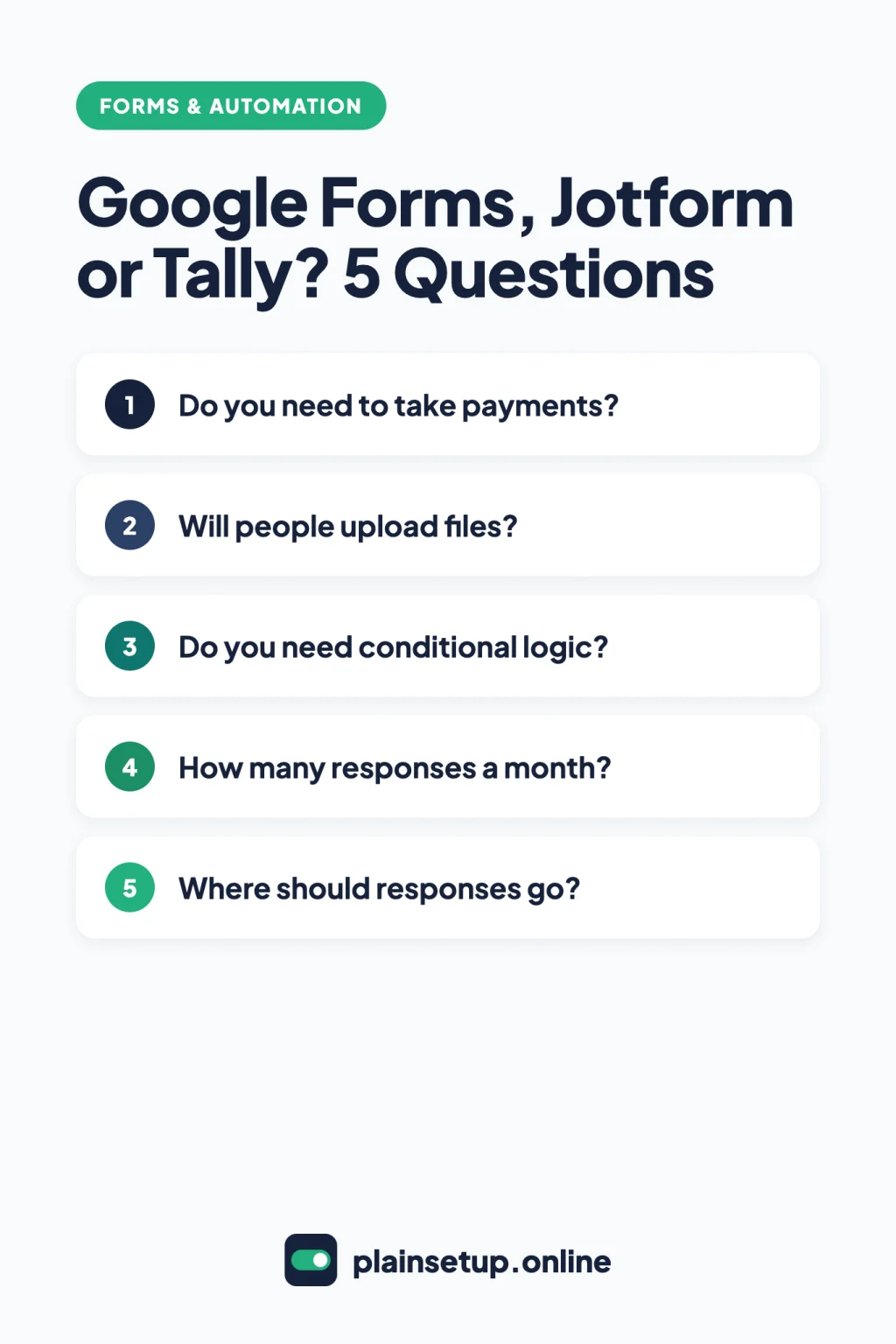
All three build forms without code. The difference is where the limits kick in: payments, file uploads, logic and how many responses you can collect.
This comparison uses only the official help and pricing pages of each tool.
Google Forms vs Jotform vs Tally: the short answer
Pick Google Forms if you need simple questions, answers in Google Sheets and nothing to collect money. Pick Tally if you want payments, file uploads without a login and logic on a free plan with no fixed submission cap. Pick Jotform if you need a specific payment gateway and can work within its monthly limits.
- Simple survey, RSVP or contact form: Google Forms.
- Deposits, photos and branching questions on a budget: Tally.
- Payments through PayPal, Square or another specific gateway: Jotform.
| Feature | Google Forms | Jotform | Tally |
|---|---|---|---|
| How you get it | Your Google account; included in all Google Workspace plans | Free Starter plan; paid plans from $34/month billed annually | Free plan; Pro from $24/month billed yearly |
| Response limit without upgrading | Up to 500k per form (from September 2026) | 100 per month | Unlimited, under a fair use policy |
| Collect payments | Not described in Google’s help | Yes, 10 payment submissions a month on Starter | Yes, through Stripe |
| File uploads | Yes, respondents must sign in to Google | Yes, up to 1 GB per file; 100 MB space on Starter | Yes, 10 MB per file on free, no login |
| Conditional logic | Section jumps on Multiple choice and Dropdown | Yes | Yes, free |
| Calculations | Quiz points only | Form Calculation widget | Calculated fields, free |
| Webhooks, Zapier, Make | Not listed in Google’s help | Yes | Yes, free |
Free plans and their limits
Google Forms has no plan of its own. You create forms at forms.google.com with your Google account, and the Workspace pricing page includes Forms in every business plan. Limits are per form: up to 300 pieces of content (Edit your form), and from September 2026, Google’s responses help page says each form can have up to 1 GB of total storage (not counting uploaded files) and up to 500k responses.
Jotform‘s free Starter plan is the tightest of the three. The pricing page lists:
- 5 forms and 100 fields per form
- 100 monthly submissions and 10,000 monthly form views
- 100 MB of upload space and 500 total submission storage
- 10 monthly payment submissions
- Jotform branding on your forms, removable on a paid plan
Watch the storage number: Jotform’s pricing FAQ says that once you exceed it, the oldest response is deleted to make room.
Tally offers unlimited forms and submissions on its free plan, “as long as you stay within our fair usage guidelines.” The Fair Use Policy gives examples of extensive usage: consistently collecting 50,000 submissions a month, 100 GB of uploads a month (or 500 GB stored), or sending 50,000 email notifications a month. Beyond that, Tally offers a custom plan. Free forms show a “Made with Tally” button; removing the branding needs Pro.
Paid plans
Google Forms has no Forms-only upgrade; it’s part of every Workspace plan, starting with Business Starter at $7 per user per month with a 1-year commitment.
Jotform and Tally list a monthly price and a lower annual one:
| Plan | Billed monthly | Billed annually | Main limits |
|---|---|---|---|
| Jotform Bronze | $39/month | $34/month | 25 forms, 1,000 submissions/month, 1 GB, 100 payments/month |
| Jotform Silver | $49/month | $39/month | 50 forms, 2,500 submissions/month, 10 GB, 250 payments/month |
| Jotform Gold | $129/month | $99/month | 100 forms, 10,000 submissions/month, 100 GB, 1,000 payments/month |
| Tally Pro | $29/month | $24/month | No branding, no 10 MB file limit, respondent emails |
| Tally Business | $89/month | $74/month | Pro plus email verification and data retention controls |
Prices checked in October 2026. Plans and prices change, so confirm on the official pricing page (Jotform, Tally, Google Workspace) before you buy.
For a year of Jotform Bronze, that’s $34 × 12 = $408 billed annually, or $39 × 12 = $468 if you pay month to month. Tally’s Pro help page lists Pro at $290 per year. Jotform has no free trial but offers a 30-day money-back guarantee.
If you handle health information, Jotform’s pricing page lists its optional HIPAA features on Gold and Enterprise plans only; this isn’t legal advice.
Payments and file uploads
Taking a deposit
Google Forms: Google’s official Forms help doesn’t describe any way to collect payments in a form.
Jotform: the payments page lists 40+ payment gateways, including Square, PayPal, Stripe and Authorize.Net. Jotform says it never charges extra transaction fees; you pay your processor’s rate. Starter allows 10 payment submissions a month, Bronze 100.
Tally: its payment forms guide says you need a free or Pro Tally account and a free Stripe account. Type /payment, set the price and currency, then click Connect with Stripe. Standard Stripe fees apply, and Tally adds no fee on top. Tally doesn’t support recurring payments.
Receiving photos and documents
Google Forms: the File upload question requires respondents to sign in to a Google Account, and the files land in a new folder in your Google Drive. For a simple setup, see our guide to a Google Forms contact form for your website.
Jotform: the default file size limit is about 10.6 MB, and you can raise it up to 1 GB per file. Go to Form Builder, click the File Upload field, then the Gear icon, and set Limit File Size on the Options tab, according to Jotform’s file size guide. Files count toward your upload space: 100 MB on Starter.
Tally: file uploads work on every plan, and respondents don’t need to log in. The free plan accepts files up to 10 MB each; Pro removes that limit.
Conditional logic and calculations
Google Forms uses sections for logic: click More at the bottom right and choose Go to section based on answer. The help page notes this works only on Multiple choice and Dropdown questions. There’s no calculation field, only quiz scoring: turn on Make this a quiz in Settings and assign points (quiz help).
Jotform puts logic under Settings > Conditions > Show/Hide Field (show or hide guide). For totals, discounts or fees, add the Form Calculation widget from Add Element > Widgets (calculation guide). Starter includes all features.
Tally says its conditional logic is free with no limit on conditions. Type /logic to jump pages, show or hide blocks, or require answers. Calculated fields are free too, and the result can set the price in a payment block.
Integrations and where responses go
Google Forms keeps it simple. Under Responses, click Link to Sheets to send answers to a spreadsheet, or More > Get email notifications for new responses for an email alert. To pick another spreadsheet, use Select destination for responses (help).
Jotform creates a notification email automatically, but Starter is limited to one notification email and one recipient per form (email notifications guide). In Settings > Integrations you’ll find Google Sheets, Webhooks, plus official Zapier and Make integrations.
Tally lists Google Sheets, webhooks, Zapier and Make as free for all users, plus Notion, Airtable and Slack (integrations). Email alerts to yourself are free, while confirmation emails to the person who filled in the form are a Pro feature.
To pass answers on to other apps, see our Zapier vs Make comparison.
Which one should you choose?
There’s no single winner in Google Forms vs Jotform vs Tally. It depends on what your form has to do:
- A quick survey or contact form, and you already use Google: Google Forms comes with your Google account and keeps answers in Sheets.
- A form that takes a payment and a photo, starting free: Tally, as long as Stripe works for you and files stay under 10 MB.
- You need PayPal, Square or another specific gateway: Jotform, keeping an eye on the 10 payment submissions a month on Starter.
- You expect more than 100 responses a month: Google Forms (up to 500k per form), Tally’s free plan, or a paid Jotform plan.
Frequently asked questions
Can Google Forms take payments?
Google’s official Forms help doesn’t describe any built-in way to collect money. For deposits, Tally works with Stripe and Jotform connects to 40+ gateways.
Is Tally really free?
Tally’s pricing page says unlimited forms and submissions are free within its fair usage guidelines. Pro adds no branding, larger uploads and respondent emails.
How many submissions does Jotform’s free plan allow?
Starter allows 100 submissions a month across all forms, with 500 stored in total; Bronze allows 1,000 a month, per Jotform’s pricing page.
Which form builder lets people upload files without an account?
Tally’s file upload guide says respondents can upload files without signing up. Google Forms requires a Google Account sign-in for its File upload question.
Sources
- Google Docs Editors Help: How to use Google Forms
- Google Workspace: Compare Flexible Pricing Plan Options
- Google Docs Editors Help: Edit your form
- Google Docs Editors Help: Choose a type of question for your form
- Google Docs Editors Help: Show questions based on answers
- Google Docs Editors Help: Create & grade quizzes with Google Forms
- Google Docs Editors Help: View & manage form responses
- Google Docs Editors Help: Choose where to save form responses
- Jotform: Features and Pricing
- Jotform: Free Form Builder with Payment Integration
- Jotform: How to Change the File Size Limit in File Upload Fields
- Jotform: How to Show or Hide Fields Conditionally
- Jotform: How to Use Jotform’s Form Calculation Widget
- Jotform: How to Integrate Jotform With Google Sheets
- Jotform: How to Set Up Email Notifications
- Jotform: How to Send Submission Data via a Webhook
- Jotform: Zapier Integration
- Jotform: Make Integration
- Tally: Pricing
- Tally: Tally Pro features and pricing
- Tally: Fair Use Policy
- Tally: Remove Tally branding
- Tally: Payment forms
- Tally: File upload forms
- Tally: Conditional logic
- Tally: Calculated fields
- Tally: Self email notifications
- Tally: Google Sheets Integration
- Tally: Webhooks
- Tally: Zapier Integration
- Tally: Make Integration
- Tally: Integrations
Your Next Step
Today, list what your form must do: take a payment, accept files, branch on answers, and how many responses you expect a month. Then build a test version in the matching tool and send yourself one response. That settles Google Forms vs Jotform vs Tally for your own case. For more help, browse our Forms & Automation guides.

Fernando Pompeu is a journalist and digital content writer with more than 8 years of experience in media outlets and news portals. He writes to explain things clearly and without jargon. At PlainSetup, he publishes step-by-step guides to the everyday tools small businesses run on, based on each tool’s official documentation and written for owners without an IT team.