
A client emails, “Can you just send me a link to pick a time?” Your events already live in Google Calendar, which can make a booking page on its own, but Calendly is the name you keep hearing. The Calendly vs Google Calendar choice comes down to what you need beyond one simple booking page.
This comparison covers free options, calendars, reminders, payment at booking and yearly cost, using only the vendors’ own pricing and help pages.
Already picked one? Follow our guides to set up Calendly for client appointments or set up a Google Calendar appointment schedule.
Calendly vs Google Calendar: the short answer
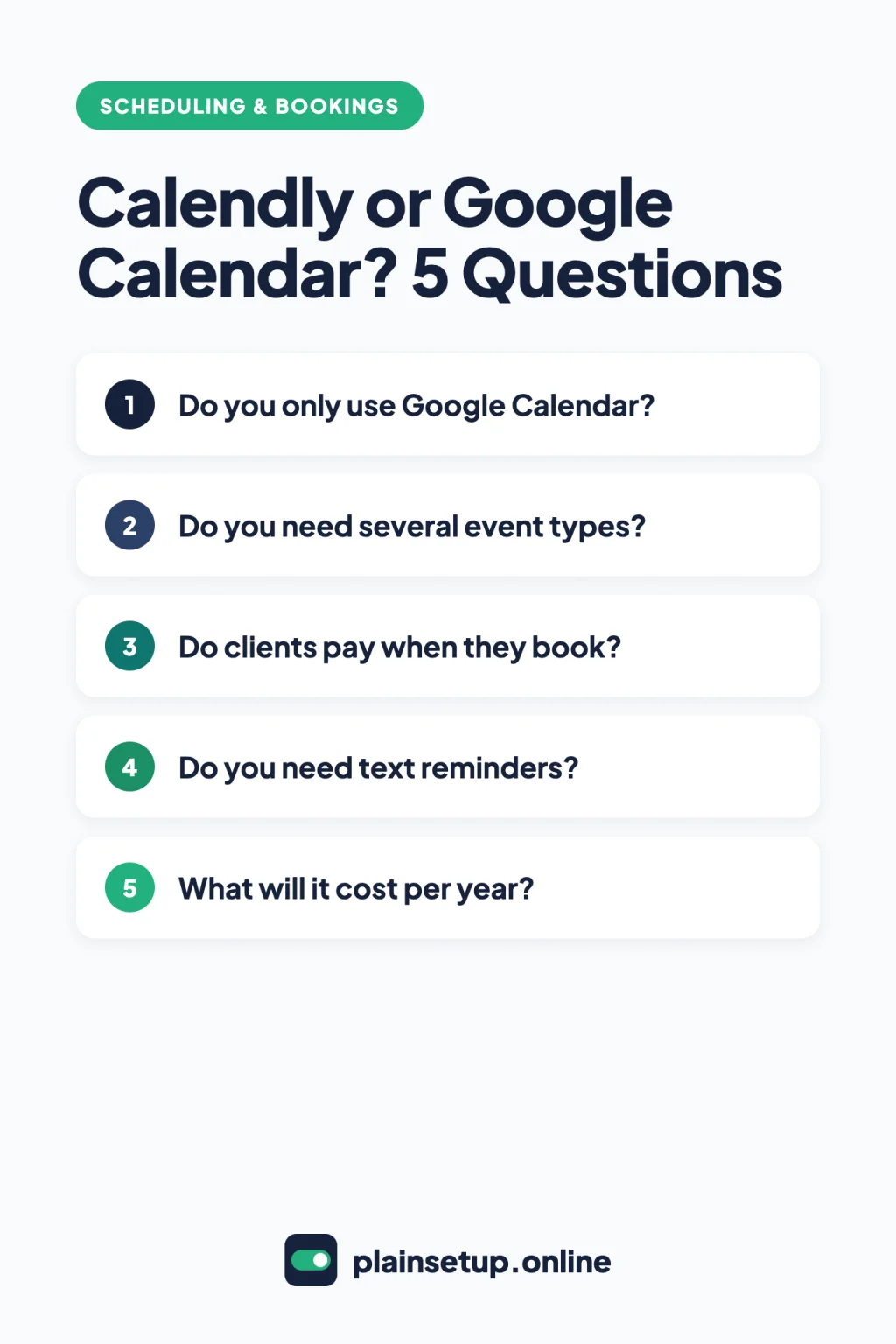
Pick Google Calendar appointment schedules if all your events live in Google Calendar, you offer one kind of appointment, and confirmation emails are enough. Pick Calendly if you also use Outlook or Exchange, need several meeting types, or want PayPal, coupon codes or text reminders. Both charge for automatic reminders and payments.
| Calendly | Google Calendar appointment schedules | |
|---|---|---|
| Free option | Free plan: one event type, one calendar | Personal account or Business Starter: one booking page |
| Calendars checked for conflicts | Google, Office 365 or Outlook.com, Exchange: 1 on Free, up to 6 on paid plans | Your Google calendars; secondary calendars need a premium plan |
| Several meeting types | Standard and up | Google One AI plans of 2 TB or more, or an eligible Workspace plan |
| Automatic email reminders | Paid plans | Same premium plans as above |
| Text reminders | Paid plans, 250 SMS credits per seat per month | Not described in Google’s help pages |
| Payment at booking | Stripe or PayPal, Standard and up | Stripe only, eligible Workspace plans |
| Video tools | Zoom, Google Meet, Microsoft Teams, GoTo Meeting, Webex | Google Meet; other tools by adding a link later |
| Set up on a phone | Mobile app on all plans | Computer only; the app can share your link |
| First paid price | Standard: $10 per seat per month, billed yearly | Workspace Business Standard: $14 per user per month, 1-year commitment |
Which calendars each tool checks
Calendly can connect Google Calendar, Office 365 or Outlook.com, and Exchange. Free connects one calendar; paid plans connect up to six per user. New bookings go to one calendar you choose.
A Google appointment schedule lives inside Google Calendar. When you check availability across calendars, it looks at your primary calendar and calendars you own, manage or subscribe to. Busy events hide those times, and each slot can be booked only once. Checking secondary calendars needs an eligible Google Workspace or Google One plan.
If your work events sit in Outlook or Exchange, only Calendly’s help pages list those calendars.
Event types, booking pages and client questions
Calendly. The Free plan lets you create one event type and schedule unlimited meetings. Standard adds unlimited event types plus group and collective events. Round robin needs Teams, and every host needs a paid seat (multi-person options). Every plan lets you add up to 10 invitee questions per event type. Routing forms, which route people by their answers, need Teams or Enterprise.
Google Calendar. With a personal Google Account or Business Starter, you can create a single booking page. More than one appointment schedule is a premium feature. The booking form always asks for first name, last name and email, and Add an item adds your own questions (Create an appointment schedule). Eligible Workspace plans add Require email verification against spam bookings, and Business Standard and up allow up to 20 co-hosts.
You can’t create a Google appointment schedule in the Android or iPhone app; use a computer and Create > Appointment schedule.
Taking payment when clients book
Calendly (Standard and up). Connect Stripe or PayPal under Automations > Integrations & apps, then open an event type and go to More options > Payment. Stripe takes cards, Apple Pay and Google Pay and supports coupon codes; PayPal adds Venmo for US payers and needs a Business PayPal account. Both work in USD, CAD, GBP, EUR and AUD, and the invitee is charged during booking (payments FAQ).
Google Calendar (eligible Workspace plans). Paid appointment bookings need Workspace Individual, Business Standard or Plus, Enterprise, Education or Nonprofits; Google One plans don’t include them. Connect Stripe under Settings > General > Appointment schedules > Connect Stripe, then check Require payment when booking in the schedule. Clients pay by credit card, Apple Pay or Google Pay, and Google charges no platform fees. If an admin manages your account, the payments setting is off by default on every edition except Business Standard.
In both tools, refunds happen in Stripe or PayPal, not in the booking tool. Calendly says it doesn’t calculate or collect sales tax or VAT, so check how tax applies to your prices with your accountant.
Reminders by email and text
Calendly. Every plan sends a calendar invitation or email confirmation when someone books (scheduling notifications). Automatic reminders are paid: basic notifications under More options > Notifications and automations, or Automations for reconfirmations and follow-ups. Text reminders need the invitee’s opt-in and don’t work during the free trial. You get 250 SMS credits per seat per month; a text to the US or Canada uses 0 credits and one to the UK uses 1. When credits run out, Calendly sends emails instead.
Google Calendar. Free accounts get confirmation and update emails, sent to you and to the person who booked (Edit your appointment schedule). Automatic email reminders are premium. In Booking confirmations and reminders, you can add up to five, but “You can’t edit the text of the reminder emails.” Google’s appointment schedule help doesn’t describe text reminders.
What each one costs per year
Calendly Standard is $10 per seat per month billed yearly, or $12 billed monthly. The Free plan stays free, and a 14-day trial drops back to Free when it ends.
Google’s booking page is free with any personal Google Account. For premium features, personal users can get a Google One AI plan of 2 TB or more (see the Google One plans page for the current price), but payments still need Workspace. On Google Workspace pricing, Business Standard is $14 per user per month with a 1-year commitment, or $16.80 billed monthly. Business Starter ($7 with a 1-year commitment) only gets the single booking page.
For one person, Calendly vs Google Calendar works out like this:
- Calendly Standard: 12 × $10 = $120 a year billed yearly, or 12 × $12 = $144 billed monthly.
- Workspace Business Standard: 12 × $14 = $168 a year with the commitment, or 12 × $16.80 = $201.60 billed monthly.
Workspace also includes business email and 2 TB of storage per user, so if you already pay for Business Standard, the booking features come with it.
Prices checked in October 2026. Plans and prices change, so confirm on the official pricing pages for Calendly and Google Workspace before you buy.
Video calls and your website
Calendly connects to Zoom, Google Meet, Microsoft Teams, GoTo Meeting and Webex on all plans. Google offers Google Meet, in person, phone, or None / to be specified later if you’ll add another tool’s link after booking.
Both can sit on your website. Calendly’s Add to website offers an inline embed, popup widget or popup text on all plans; custom colors and removing the Calendly branding badge start on Standard. Google lets you share your appointment schedule as a link, a button with popup or an inline page. Google notes, “Your booking page is always public,” with your profile photo and account name.
Which one should you choose?
- One Google calendar, one kind of appointment: start with Google’s free booking page.
- You already pay for Workspace Business Standard or higher: Google’s premium booking features are already included.
- Outlook or Exchange calendar, or several meeting types: Calendly Free, then Standard when you need more event types or calendars.
- PayPal, coupon codes or text reminders: Calendly Standard.
- Bookings shared across a team with round robin or routing: Calendly Teams.
Frequently asked questions
Is Google Calendar’s appointment schedule free?
Yes, for one booking page. With a personal Google Account or Business Starter, you can create a single booking page and get confirmation emails. Several schedules, automatic reminders and checks across calendars need a Google One AI plan of 2 TB or more or an eligible Workspace plan.
Can I use Calendly with Google Calendar?
Yes. Calendly checks your Google calendars for busy times and adds bookings to the one you choose. If you signed up with Google, it may already be connected; if not, go to Settings > Scheduling > Calendars and select Connect next to Google Calendar (Calendly’s guide).
Does Google Calendar send text reminders for appointments?
Google’s help pages for appointment schedules describe email reminders only, and those need a premium plan (Create an appointment schedule). Calendly sends text reminders on paid plans to invitees who opt in.
Can I try Calendly’s paid features for free?
Yes. Calendly’s sign-up page offers a free 14-day trial with no credit card required, and your account moves to Free when it ends. Text reminders don’t work during the trial.
Sources
- Calendly: Pricing
- Calendly: Create your free account
- Calendly: Choose the right Calendly plan
- Calendly: Connect your calendar to Calendly
- Calendly: How to connect your Google Calendar
- Calendly: Multi-person scheduling options
- Calendly: How to add or remove invitee questions
- Calendly: How to create a Routing Form
- Calendly: Calendly + Stripe
- Calendly: Calendly + PayPal
- Calendly: Payments FAQs
- Calendly: Calendly scheduling notifications
- Calendly: How to set up basic notifications
- Calendly: Automations overview
- Calendly: How to send text messages with Automations
- Calendly: SMS credit limits
- Calendly: How to schedule with video conferencing
- Calendly: How to add Calendly to your website
- Calendly: How to turn off Calendly branding
- Google: Create an appointment schedule
- Google: Compare premium features for appointment schedules
- Google: Check your availability across calendars
- Google: Require payments for appointments
- Google: Allow paid appointment schedules in Calendar
- Google: Edit your appointment schedule
- Google: Share your appointment schedule
- Google: Online Appointment Scheduling with Google Calendar
- Google: Use Google Workspace premium features
- Google: Google One Plans & Pricing
- Google: Compare Flexible Pricing Plan Options
- Google: Google Workspace for Business
Your Next Step
Today, list every calendar you keep events in and every kind of appointment you offer. If the answer is one Google calendar and one appointment type, open Google Calendar on a computer and create a free booking page; otherwise, sign up for Calendly Free and connect your calendar. Then book a test appointment with a second email address to settle Calendly vs Google Calendar for your own setup. For more help, browse our Scheduling & Bookings guides.

Fernando Pompeu is a journalist and digital content writer with more than 8 years of experience in media outlets and news portals. He writes to explain things clearly and without jargon. At PlainSetup, he publishes step-by-step guides to the everyday tools small businesses run on, based on each tool’s official documentation and written for owners without an IT team.