
A client says yes to a $4,000 kitchen job, and you need to buy materials before you start. Asking for part of the money upfront protects you if the project stalls. This guide shows how to request a deposit on an invoice in Square, FreshBooks, QuickBooks Online, Stripe and Wave, send it with a payment link and bill the balance later.
The tools don’t work the same way. Square and FreshBooks put the deposit on the invoice itself. QuickBooks and Wave ask for it on an estimate. Stripe has no deposit field, but it can accept partial payments. Paid-plan steps are marked, and menu names come from each vendor’s help center.
New to invoicing? Start with how to create a professional invoice for a small business. If clients pay when they book a time slot, read how to take deposits for appointments instead.
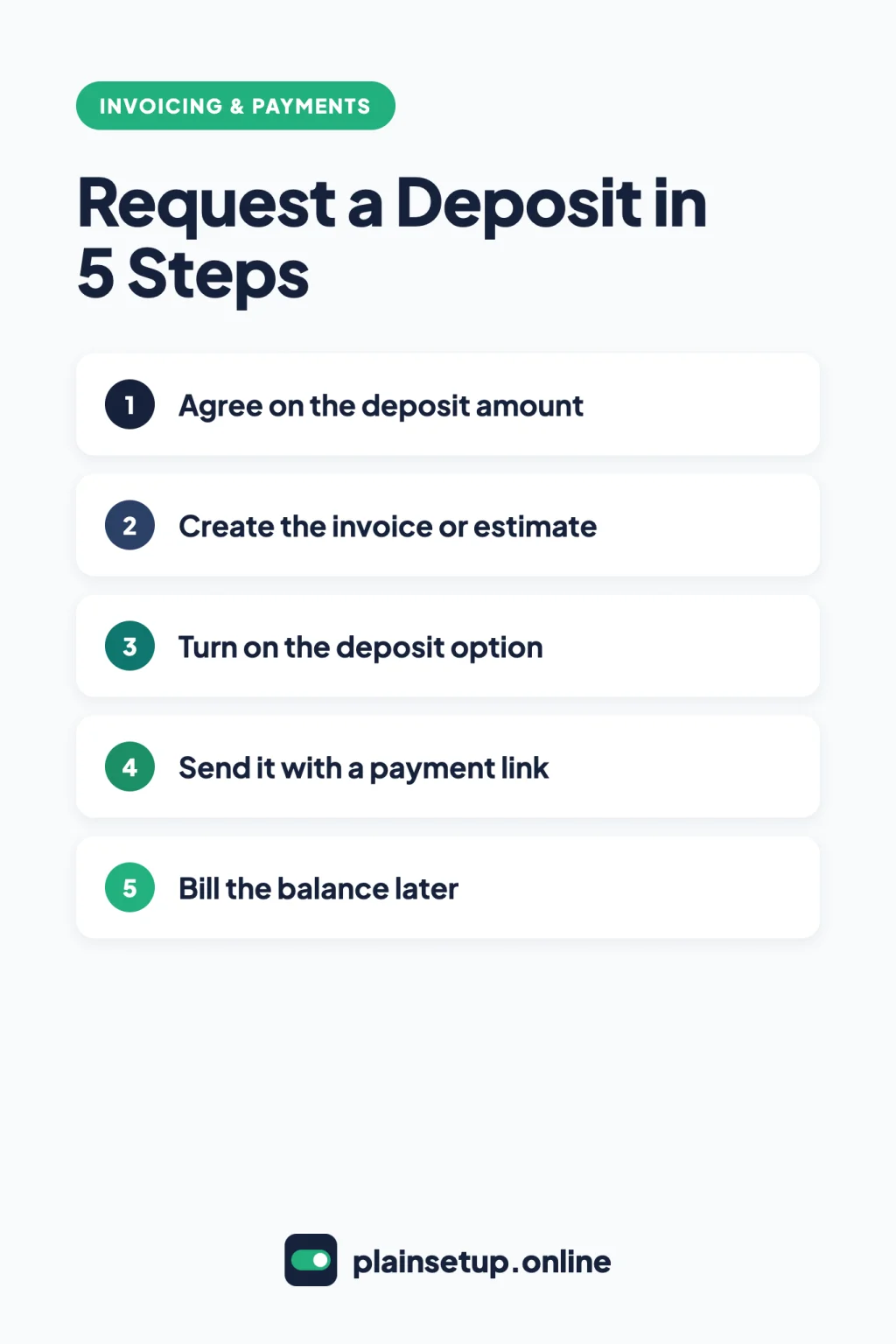
Quick steps
- Agree on the deposit amount with your client.
- Create the invoice or estimate in your tool.
- Turn on the deposit option, as a percentage or a fixed amount.
- Send it with a payment link.
- Bill the balance when the work is done.
Before you request a deposit on an invoice: what each tool offers
| Tool | Where the deposit goes | Plan needed | Split the balance into more payments |
|---|---|---|---|
| Square Invoices | Invoice | Free, Plus and Premium | Up to 12 milestones (Plus and Premium) |
| FreshBooks | Invoice | All plans | Up to 12 payments |
| QuickBooks Online | Estimate | QuickBooks Payments to pay online | Progress invoicing when you convert |
| Stripe Invoicing | Invoice (partial payments) | Any Invoicing plan | Payment plans, in private preview |
| Wave | Estimate | Pro, or Starter with online payments | Customer edits the amount |
On the Square Invoices pricing page, deposits are included in Square Free ($0 per month), while milestone payment schedules start with Plus at $49 per month per location. FreshBooks lists “Accept Deposits” on every plan, starting with Lite at $23.00 USD per month. QuickBooks Online Simple Start is $38 per month, and its Free plan sends 2 invoices per month. Stripe Invoicing Starter costs 0.4% per paid invoice, plus card processing from 2.9% + $0.30. Wave Starter is $0, and Pro is $19 USD per month, billed monthly.
Prices checked in October 2026. Plans and prices change, so confirm on the official pricing page before you buy.
Step 1: Agree on the deposit amount
Every tool here lets you set the deposit as a percentage or a fixed amount. Pick one and write it into your quote or contract so the client isn’t surprised. For example, a 25% deposit on a $4,000 job is $1,000 upfront ($4,000 × 0.25), with $3,000 due later.
Also decide what happens if the job is cancelled. Deposit and refund rules can vary by state and country, and QuickBooks’ own guide says to check your state for any additional regulations on customer deposits. If you’re unsure, check with your local consumer protection office or a lawyer.
Step 2: Create the invoice or estimate
- Square: go to Orders & payments > Invoices and select Create invoice. Older menus say Invoices & Payments or Payments.
- FreshBooks: go to Invoices and select New Invoice, or the pencil icon on an existing invoice.
- QuickBooks Online: create an estimate, then go to All apps > Customer Hub > Estimates and select View/Edit.
- Stripe: go to Invoices and select Create Invoice.
- Wave: open an existing estimate or create a new one under Sales & Payments > Estimates.
Add the client and every line item first, so the deposit is calculated on the full total.
Step 3: Turn on the deposit option
Square Invoices (all plans)
Per Square’s guide to invoice deposits and payment schedules, select Add Payment Schedule and toggle on Request Deposit. Under Deposit request, choose Percentage (%) or Amount ($), then pick a due date and payment reminders and select Save.
On Plus or Premium, you can also toggle on Split Balance into milestones for up to 12 payments after the deposit. Two limits: payment schedules don’t work with late fees, and Afterpay doesn’t support them.
FreshBooks (all plans)
FreshBooks’ guide to requesting a deposit on an invoice says to select Request a Deposit under the Amount Due. Choose a percentage or Flat Amount, then select Add Deposit. The invoice now shows Deposit Due.
You can request only one deposit per invoice, and the option disappears once a payment is recorded. When clients pay online, they must pay the full deposit amount.
QuickBooks Online
QuickBooks’ guide to requesting a customer deposit on an estimate uses the Deposit request switch: select $ for an amount or % for a percentage. Clients can pay it online only if you have a QuickBooks Payments merchant account.
Invoices also have a Deposit field, but it records money you already received. Per the guide to adding a deposit to an invoice, turn it on under Settings > Account and settings > Sales > Sales form content. The deposit then reduces the customer’s balance due.
Stripe Invoicing
Stripe has no deposit field. Instead, its guide to partial payments lets clients pay part of an invoice. Turn this on in the Default payment terms section of your Invoice settings, and clients can pay a custom amount on the payment page. Stripe doesn’t document a way to require a minimum, so state the deposit amount in the invoice memo.
If the client has a saved payment method, open the invoice, select Charge customer and change the Amount to the deposit. Stripe’s invoice payment plans add a Request in multiple payments option with a “Deposit” label, but the feature is in private preview, so your account may not have it.
Wave (Pro, or Starter with online payments)
Wave’s guide to adding a deposit request to an estimate says to select Request deposit under the estimate Total and enter a dollar value or percentage. Tick Require customer to pay deposit online before marking it as accepted if you want payment first. Then select Save and continue and Approve draft. Clients pay deposits by credit card, in your business currency.
Step 4: Send it with a payment link
- Square: select Send. Per Square’s invoice guide, you can deliver by email, text or a shareable link.
- FreshBooks: email it, or use More Actions > Share via Link > Copy to Clipboard. A shared link marks the invoice as Sent (share via link). The client sees a Deposit Due banner.
- QuickBooks Online: select Review and send, then Send estimate. On a pay-enabled estimate, the client can approve and pay online.
- Stripe: choose Email invoice with link, or Send invoice or payment page link manually to copy the link (Dashboard guide).
- Wave: the client opens the estimate email, selects View estimate, then Accept and pay deposit or Pay deposit (how customers pay).
Step 5: Bill the balance later
How the rest gets billed depends on where the deposit lives.
- Square: the balance stays on the same invoice with its own due date. To change the deposit, open the invoice and select Edit > Deposit. Square doesn’t record the sale in Sales reports until the invoice is fully paid.
- FreshBooks: once the deposit is paid, the status changes from Sent to Deposit Paid, and the balance stays due on the same invoice. For stages, use Add a Payment Schedule instead (payment schedules).
- QuickBooks Online: when the work is done, go to Sales & Get Paid > Sales transactions and select Convert to invoice (convert an estimate). The paid deposit is applied as a partial payment, so the invoice shows only the remaining balance.
- Stripe: the invoice shows as
partially paid, and the client pays the rest from the same link. Add the Amount remaining column on the Invoices page to track it. Invoice links expire 30 days after the due date (hosted invoice page). - Wave: go to Sales & Payments > Estimates, select the dropdown arrow and Convert to invoice (convert an estimate). This creates a draft and can’t be undone. Wave’s help doesn’t say exactly how a paid deposit shows on the new invoice, so check the amount due before you send it.
Frequently asked questions
Can I request a deposit on an invoice for free?
Yes, with Square Free, which includes deposits at $0 per month per the pricing page. Wave Starter allows deposits on estimates once your business is approved for online payments. FreshBooks has no free plan, though deposits are included on every paid plan.
What’s the difference between a deposit and a partial payment?
With a deposit, you set the amount and due date. With partial payments, the client chooses how much to pay. Square describes its toggle as letting customers enter “a partial payment of their choice” (Square).
How do I refund a deposit?
In Square, you cancel the invoice first, then refund the payment from your transactions list. In Wave, changing a deposit paid online means refunding your customer (Wave). Your written terms decide whether a refund is owed.
Can clients pay the balance in several payments?
Yes. FreshBooks payment schedules allow up to 12 payments, and Square Plus and Premium allow up to 12 milestones after the deposit. Wave and QuickBooks let clients edit the payment amount when you take online payments (Wave, QuickBooks).
Sources
- Square: Manage invoice deposits and payment schedules
- Square: Create and send invoices
- Square: Invoices Pricing & Plans
- FreshBooks: How do I request a deposit on an invoice?
- FreshBooks: What are payment schedules?
- FreshBooks: How do I use share via link?
- FreshBooks: Pricing
- QuickBooks: Request a customer deposit on an estimate
- QuickBooks: Add a deposit to an invoice
- QuickBooks: Convert an estimate into an invoice
- QuickBooks: Make a partial payment for an invoice
- QuickBooks: Online Pricing
- Stripe: Accept partial payments for invoices
- Stripe: Create invoice payment plans
- Stripe: Hosted invoice page
- Stripe: Use the Dashboard
- Stripe: Stripe Invoicing pricing
- Wave: Add a deposit request to an estimate
- Wave: Understand how customers pay invoices through Wave
- Wave: Convert an estimate to an invoice
- Wave: Edit or remove a deposit payment on an estimate
- Wave: Accept partial or instalment payments on an invoice
- Wave: Pricing
Your Next Step
Pick your next job that needs materials or a reserved date. Before you start work, request a deposit on an invoice (or estimate) in the tool you already use, send it with a payment link, and set a reminder to bill the balance when the job is done. For more help, browse our Invoicing & Payments guides.

Fernando Pompeu is a journalist and digital content writer with more than 8 years of experience in media outlets and news portals. He writes to explain things clearly and without jargon. At PlainSetup, he publishes step-by-step guides to the everyday tools small businesses run on, based on each tool’s official documentation and written for owners without an IT team.