
Your domain is bought, and it’s time to create the first email address on it, the one that ends in @yourcompany.com. If you’ve been reading up on Google Workspace vs Microsoft 365 for small business, you’ve probably noticed that the two suites look almost identical: email on your own domain, a calendar, file storage and video meetings, for a few dollars per person per month.
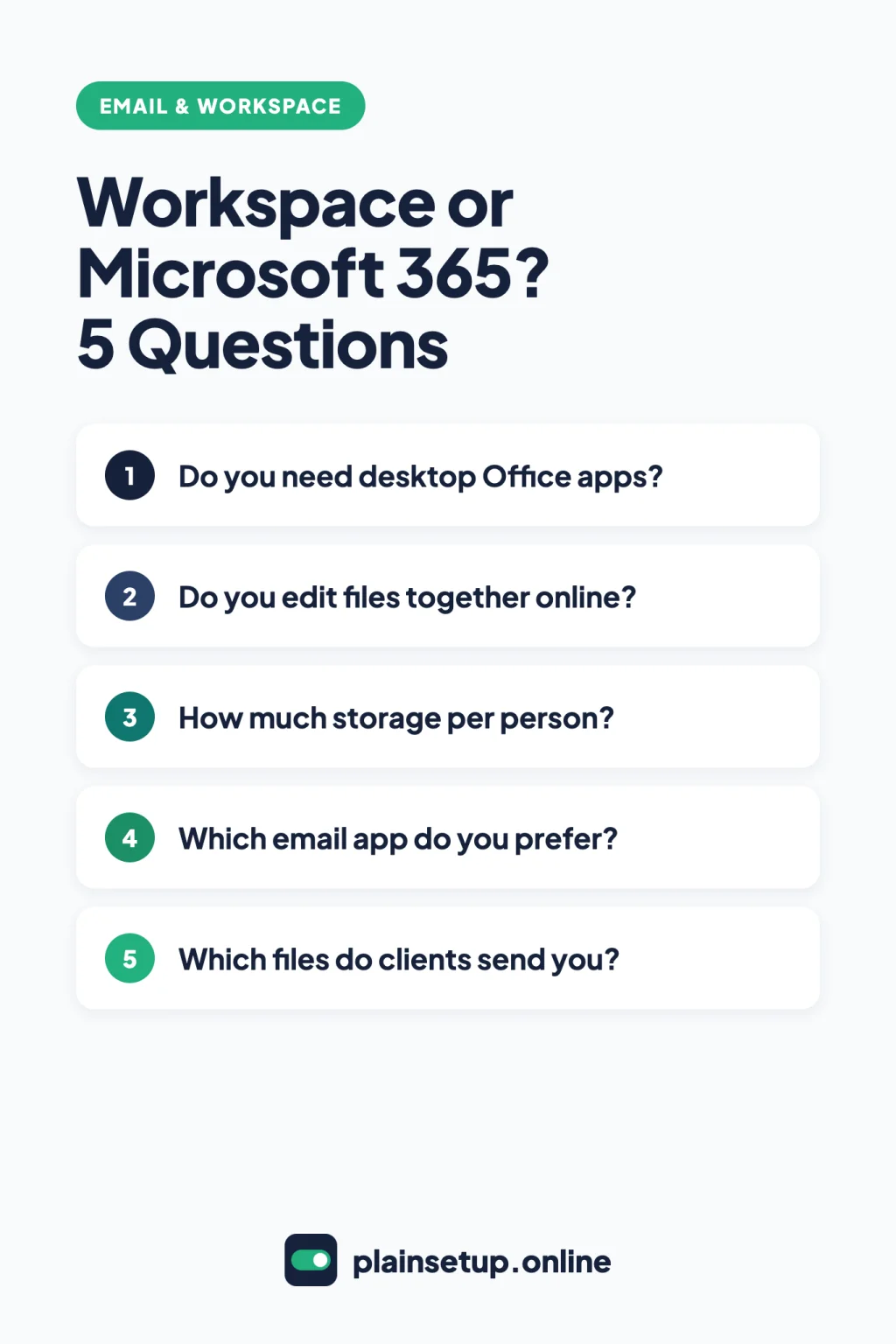
They aren’t identical, though. The real differences come down to three questions. Does your team need the desktop Office apps? Do you edit documents together in the browser? How much storage does each person need?
This guide compares the plans using the official Google and Microsoft pages, so you can choose once.
Google Workspace vs Microsoft 365: the short answer
Choose Google Workspace if your team works in the browser, writes documents together online and prefers Gmail. Choose Microsoft 365 if you need desktop Word, Excel, PowerPoint and Outlook, or you trade Office files with clients every day. At US list prices the three main tiers cost the same, so the decision is about what’s inside each plan.
- Browser-first team that likes Gmail: Google Workspace Business Starter or Business Standard.
- Team that needs desktop Office apps: Microsoft 365 Business Standard.
- One-person business: compare the entry plans, Business Starter and Business Basic, on storage and meetings.
What both suites include
Every business plan on Google’s pricing page and Microsoft’s business plans page gives you:
- Email on your own domain, like you@yourbusiness.com.
- A calendar, cloud storage, and online documents, spreadsheets and presentations.
- Video meetings: Google Meet, or Microsoft Teams on the plans that include it.
- Two-step sign-in (2-Step Verification at Google, multifactor authentication at Microsoft).
- Room for up to 300 users.
Plans and prices side by side
US list prices in US dollars, per user per month:
| Plan | With a 1-year commitment | Month to month |
|---|---|---|
| Google Workspace Business Starter | $7 | $8.40 |
| Google Workspace Business Standard | $14 | $16.80 |
| Google Workspace Business Plus | $22 | $26.40 |
| Microsoft 365 Business Basic | $7.00 (paid yearly) | $8.40 |
| Microsoft 365 Business Standard | $14.00 (paid yearly) | $16.80 |
| Microsoft 365 Business Premium | $22.00 (paid yearly) | $26.40 |
Prices checked in October 2026. Plans and prices change, so confirm on the official pricing page (Google Workspace, Microsoft 365) before you buy. If you’re in the UK or Canada, check the pricing page for your country. Microsoft also sells plans bundled with Copilot, not covered here.
Google’s month-to-month option is the Flexible Plan: you’re billed monthly per user and can cancel without penalty. Microsoft’s monthly subscription can also be canceled at any time. For three people on Business Standard, either suite costs $14 × 3 = $42 per month with a 1-year commitment, or $16.80 × 3 = $50.40 month to month.
Google’s free trial lasts 14 days for up to 10 users; you complete the payment setup first but aren’t charged until it ends. Microsoft offers a one-month free trial, and a credit card is required to sign up.
What each plan includes:
| Plan | Storage per user | Meeting size | Recording | Desktop Office apps |
|---|---|---|---|---|
| Google Business Starter | 30 GB, pooled | 100 | No | No |
| Google Business Standard | 2 TB, pooled | 150 | Yes | No |
| Google Business Plus | 5 TB, pooled | 500 | Yes | No |
| Microsoft 365 Business Basic | 1 TB plus 100 GB mailbox | 300 | Yes | No (web and mobile) |
| Microsoft 365 Business Standard | 1 TB plus 100 GB mailbox | 300 | Yes | Yes |
| Microsoft 365 Business Premium | 1 TB plus 100 GB mailbox | 300 | Yes | Yes |
Email and calendar
Google Workspace uses Gmail and Google Calendar. Every plan includes an ad-free inbox and shared calendars; appointment booking pages start on Business Standard. Google’s FAQ allows up to 30 email aliases per user, like info@ or billing@.
Microsoft 365 uses Outlook, backed by Exchange, with anti-malware and spam filtering on every business plan. Each mailbox holds 100 GB, plus archive storage (50 GB on Basic and Standard, 1.5 TB on Premium). Basic gives you Outlook on the web and mobile; Standard and Premium add the desktop app. Microsoft Bookings, for appointments, comes with the versions with Teams.
Already happy in Gmail or in Outlook? That habit is a fair tiebreaker.
Once email is set up, a CRM can keep those conversations with each customer: compare HubSpot vs Zoho vs Pipedrive.
Documents and apps: browser or desktop
This is the biggest difference. Google Workspace runs in the browser, and Google’s FAQ says “there is no software to install.” Docs, Sheets and Slides can work offline in Chrome or Edge with the Google Docs Offline extension, and Google Drive for desktop syncs your files to Windows or macOS.
Microsoft splits this by plan. Business Basic has web and mobile versions of Word, Excel, PowerPoint and Outlook only. Standard and Premium add desktop apps for up to 5 PCs or Macs, 5 tablets and 5 phones, and the Business Basic page notes those desktop apps work offline.
Receiving Word files isn’t a reason to switch on its own, since Google’s editors can open and edit them (see the FAQ). But if your team depends on desktop Word, Excel or PowerPoint, you need Microsoft 365 Business Standard or Premium.
Storage
Google pools storage. Its storage FAQ for admins lists Business Starter at 30 GB times the number of users, Standard at 2 TB and Plus at 5 TB, shared across Drive, Gmail and Google Photos. So email counts too, and three people on Starter share 30 GB × 3 = 90 GB.
Microsoft gives each user 1 TB of OneDrive storage on all three plans and lists the 100 GB mailbox separately. That’s much more room per person than Business Starter.
Video meetings
Google Meet allows 100 participants on Business Starter, 150 on Standard and 500 on Plus, with meetings up to 24 hours. Recording starts on Business Standard; Starter can’t record.
Microsoft Teams hosts meetings for up to 300 people on Business Basic, Standard and Premium, with recording in the versions with Teams. Per the Teams limits page, one recording runs up to 4 hours or 1.5 GB, then restarts automatically.
If you record client calls, that’s a real entry-level difference: Business Basic records, Business Starter doesn’t.
Security and admin for a small team
Both suites cover the basics on the cheapest plan. Google lists 2-Step Verification on every Business plan. Microsoft’s security defaults require every user to register for multifactor authentication at no extra cost, and they’re on by default for new tenants.
The extras sit on the top plan:
- Google Business Plus adds Vault to keep, archive and search your data, plus advanced endpoint management.
- Microsoft 365 Business Premium adds Intune device management, Microsoft Defender for Business and Microsoft Entra ID P1, which unlocks Conditional Access policies.
You don’t need Plus or Premium just to turn on two-step sign-in.
Switching later: how hard is it?
Both vendors document moving in either direction:
- Into Google Workspace: the data import tool copies email, calendar events, contacts and tasks from Microsoft Exchange Online, and email from IMAP providers such as Yahoo! or Zoho.
- Into Microsoft 365: the Google Workspace migration moves mail, calendars and contacts. From other providers, IMAP migration moves email only, up to 500,000 items per mailbox.
- Files: Microsoft’s Migration Manager copies Google Drive files, and “Google-native files are exported to Microsoft Office or other supported formats.” The originals stay in Google Drive.
The contract can be harder to leave. On Google’s Annual/Fixed-Term Plan, canceling early leaves you responsible for the full commitment, and Microsoft says annual subscriptions paid monthly may incur penalties if canceled early. If you’re unsure, month to month costs more but keeps you free to leave.
Which one should you choose?
Your team lives in the browser and Gmail. Pick Google Workspace: Business Starter, or Business Standard if you need recordings or more than 30 GB per person. Then follow our guide on how to set up Google Workspace for a small business.
Your team swaps Office files with clients all day. Pick Microsoft 365 Business Standard for desktop Word, Excel, PowerPoint and Outlook that work offline. Business Basic won’t cover this, because its apps are web and mobile only.
You’re a one-person business. Both entry plans cost $7 per user per month with a 1-year commitment. Pick Business Basic if you want 1 TB of storage and recorded meetings, or Business Starter if you prefer Gmail and 30 GB is enough.
Frequently asked questions
Is Google Workspace cheaper than Microsoft 365?
Not at US list prices. On price alone, Google Workspace vs Microsoft 365 is a tie: each Google tier matches its Microsoft counterpart on the Google and Microsoft pricing pages. The cheaper exception is Microsoft’s plans without Teams.
Can I edit Word and Excel files in Google Workspace?
Yes. Google’s guide to working with Office files says you can edit and comment on them in Docs, Sheets and Slides, and changes are saved in the original Office format. Converting to Google format makes a copy; Google suggests it for extras like add-ons or Apps Script.
Can I get Microsoft 365 without Teams?
Yes. Microsoft’s plans without Teams list Business Basic (no Teams) at $5.40, Business Standard (no Teams) at $10.79 and Business Premium (no Teams) at $18.79 per user per month, paid yearly. Microsoft 365 Apps for business ($10.00, paid yearly) gives you desktop apps without chat or calling.
Do I need my own domain?
For Google Workspace, yes, and you can buy one during sign-up through Google’s partner Squarespace, paying the first year up front. Microsoft starts you on a default address ending in onmicrosoft.com, and you can buy a domain during sign-up or later in the admin center.
Sources
- Google Workspace: Pricing plans (US)
- Google Workspace: FAQs
- Google Workspace Admin Help: About your free trial
- Google Workspace Admin Help: Flexible Plan
- Google Workspace Admin Help: Annual/Fixed-Term Plan
- Google Workspace Admin Help: Storage FAQ for admins
- Google Workspace Admin Help: Purchase a domain at sign-up
- Google Workspace Admin Help: Data import tool
- Google Meet Help: Record a video meeting
- Google Drive Help: Use Google Drive for desktop
- Google Docs Editors Help: Work offline
- Google Docs Editors Help: Work with Office files
- Microsoft: Plans with Teams
- Microsoft: Plans without Teams
- Microsoft: Plans and features
- Microsoft: Microsoft 365 Business Basic
- Microsoft Learn: Limits and specifications for Teams
- Microsoft Learn: Security defaults
- Microsoft Learn: Set up multifactor authentication
- Microsoft Learn: Perform a Google Workspace migration
- Microsoft Learn: Migrating IMAP mailboxes
- Microsoft Learn: Migrate Google files to Microsoft 365
- Microsoft Learn: Buy a domain name
- Microsoft Learn: Set up Microsoft 365 Business Basic
Your Next Step
Today, write down how many people need an address, whether anyone needs desktop Word or Excel, and how much storage your team uses now. Then start the free trial of the suite that matches, so you settle Google Workspace vs Microsoft 365 with your own inbox. For more help, browse our Email & Workspace guides.

Fernando Pompeu is a journalist and digital content writer with more than 8 years of experience in media outlets and news portals. He writes to explain things clearly and without jargon. At PlainSetup, he publishes step-by-step guides to the everyday tools small businesses run on, based on each tool’s official documentation and written for owners without an IT team.